 HappyHorse Model
AI Video API Cost Per Minute: 2026 Price Guide
AI video API pricing can look cheap at first glance, but your true cost per finished minute often rises fast once retries, failed generations, and plan overages are included. A model that appears affordable on a pricing page can become expensive the moment you start doing what real workflows require: prompt rewrites, seed changes, style tests, and reruns to get a clip you’ll actually publish. If you’ve ever looked at a “low” per-generation number and then checked your card statement a week later, you already know the gap.
The useful way to budget in 2026 is simple: stop pricing raw generations and start pricing approved output. That shift changes everything, especially when premium models produce amazing results but burn through multiple failed attempts on the way there. The numbers are now wide enough that picking the wrong pricing structure can mean the difference between a manageable content pipeline and a budget that gets wrecked by experimentation.
What ai video api cost per minute pricing really means in 2026
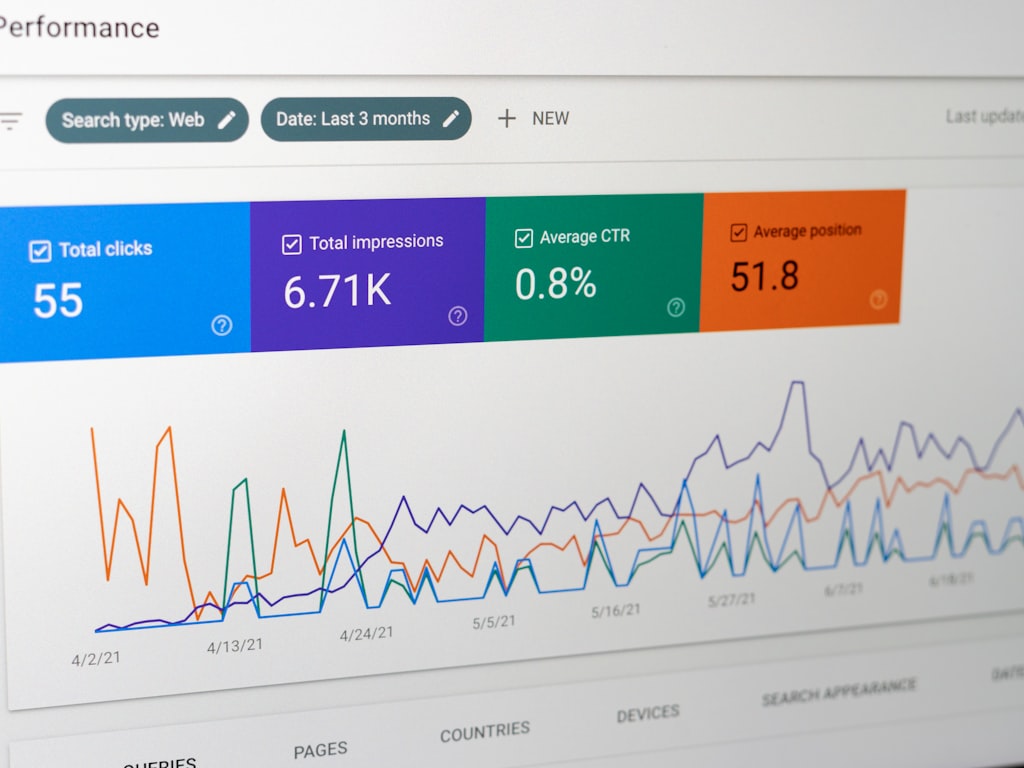
Nominal generation cost vs finished usable clip cost
The first trap in ai video api cost per minute pricing is confusing a successful generation price with the cost of a usable result. Providers usually publish nominal output pricing: per render, per second, per credit, or per included generation. That number is not the same as your finished clip cost. The moment you discard bad outputs, rerun near-misses, or regenerate to fix motion, continuity, or prompt adherence, your actual economics change.
A good benchmark comes from the comparison data on major AI video APIs: MiniMax lands around $7 to $12 per finished clip on the low end, while premium Veo output can effectively cost $50 to $120 for one usable keeper once failures are included. That spread matters because it reflects workflow reality, not just sticker price. If you only compare the posted generation fee, you’ll underestimate spend on premium systems where quality can be excellent but consistency still requires retries.
That’s why the phrase “cost per minute” needs a qualifier: cost per approved minute. If a one-minute final video is assembled from six ten-second clips, and only half your generations are keepers, your real spend is based on all twelve attempts, not the six clips that made the cut. This is where most budgets start drifting.
Why per-minute pricing is harder than it looks
You’ll run into four pricing models over and over: per generation, credit-based, subscription allowances, and pay-as-you-go billing. Per-generation pricing is the easiest to understand on paper, but it hides retry costs. Credit systems look flexible, yet you must translate credits into seconds and then into approved minutes. Subscription plans feel predictable until you exceed the included quota. Pay-as-you-go sounds transparent, but costs can spike if your keeper rate is low.
A Reddit workflow discussion in r/SideProject captured the real issue well: creators often discover that generation logs show far more compute than what appears in the final timeline. Prompt rewrites, reruns, and seed changes burn budget even though viewers never see them. If your edit contains 60 seconds of approved footage but your logs show 180 or 240 seconds worth of generation activity, your real per-minute cost is two to four times higher than the headline price implied.
The practical formula is:
Total spend ÷ final approved minutes = real cost per approved minute
Use total spend broadly. Include failed generations, style tests, alternate seeds, discarded takes, and overage fees. If you spent $240 in a month and approved 6 final minutes for publication, your actual cost is $40 per approved minute, even if the provider’s nominal generation math suggested half that.
That formula is reusable across every vendor. It also gives you a clean way to compare low-cost systems against premium ones. If Veo yields stronger hero shots but pushes your approved-minute cost into the $50 to $120 per keeper range, that might still be fine for a launch trailer or ad creative test. If you’re pushing daily volume, though, the better answer might be a cheaper model with a lower nominal quality ceiling but a stronger keeper-rate-to-cost balance.
ai video api cost per minute pricing by model and vendor type
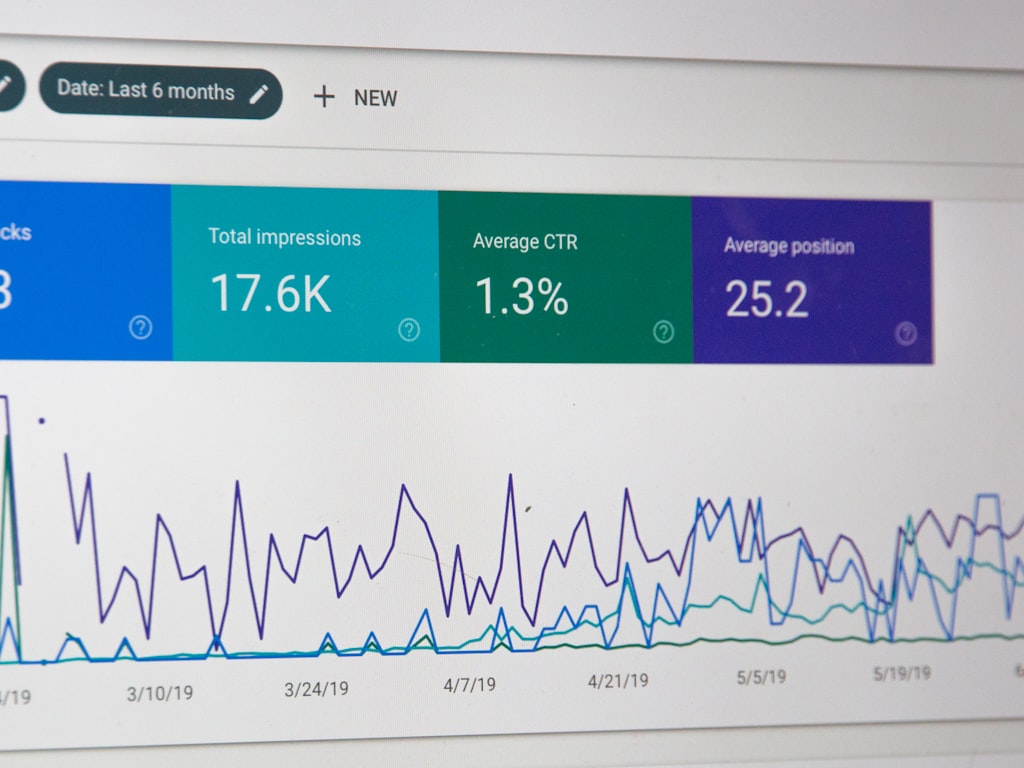
Low-end, mid-tier, and premium output economics
The easiest way to think about ai video api cost per minute pricing is to sort providers into low-end, mid-tier, and premium output economics. On the low end, MiniMax at roughly $7 to $12 per finished clip is a useful anchor for budgeting. That range makes sense for high-volume experimentation, rough cuts, UGC-style content, and concept testing where speed matters more than squeezing every last bit of visual polish from each shot.
At the premium end, the Veo keeper-cost benchmark changes the whole conversation. A single usable clip can effectively land between $50 and $120 after failures. That doesn’t mean premium is “bad value.” It means the model is better treated like a selective asset generator for hero moments, ad variants that need stronger visual impact, or flagship product shots where one excellent clip can outperform ten mediocre ones.
The middle of the market is where many teams end up living: not rock-bottom, not cinematic-premium, but good enough for repeatable social, landing page loops, explainers, and test campaigns. The main budgeting rule here is to assume published prices reflect successful generations, not the rejected ones. If your workflow approves one out of three outputs, your real finished economics are roughly triple the nominal number before you even factor in overages.
API pricing vs subscription pricing
API pricing gives you direct usage-based control, which is great when you know your throughput and can track approved output carefully. Subscription pricing works better when your monthly volume is steady and your team wants spend predictability rather than perfect unit-level efficiency. The trick is not to compare them naively.
Subscription products often look expensive upfront, but they can be cheaper if your volume is high and your usage stays within allowance. Monthly costs from a major subscription comparison put Higgsfield at $150.14, Google Flow at $249, Leonardo at $350.21, Freepik at $416.64, and Krea at $457.14. Those are not API-equivalent prices, but they are useful reference points when deciding whether a fixed spend beats variable billing.
If you only need occasional premium generations, API billing may win because you pay for output as needed. If your team is generating every day, a subscription can smooth out cost volatility. The catch is that allowances can hide true unit economics until you hit the edge of the plan and start paying overages or throttling output quality.
For practical market signals, budget-conscious users frequently mention Kling AI, Runway ML, Pollo AI, and Leonardo AI when hunting for cheaper tools. I’d treat those mentions as directional rather than as hard benchmarks, because user workflows vary wildly. A tool that is “cheap” for a creator doing fast social clips might be expensive for a product team that needs multiple revision rounds and higher consistency.
The clean way to compare vendor types is to ask one question: what does one approved minute cost after retries? If a subscription gets you stable volume under the cap, it may beat an API. If your output is irregular, API usage may save money. If you need top-tier clips for a few key scenes, premium generation can still be worth the much higher keeper cost.
How to calculate ai video api cost per minute pricing from credits, quotas, and overages
Convert credits into per-minute cost
Credit systems look confusing until you reduce them to seconds. A straightforward example comes from JSON2Video, which states 1 credit per second of rendered video. A 10-second video uses 10 credits, so a 60-second video uses 60 credits. Once you know your plan’s cost per credit, you can build a quick baseline for one raw minute of output.
For example, if your effective credit cost is $0.20, then a 60-credit minute costs $12 nominally. If your keeper rate is 50%, that minute effectively costs $24 approved because you’ll likely generate two raw minutes to get one minute of final footage. If your keeper rate falls to 33%, your approved minute jumps to about $36. That’s why a credit table alone never tells the full story.
The same conversion works for any provider using seconds, render units, or token-like generation credits. Convert the allowance to total possible seconds first, then divide by expected approved output after retries.
Account for plan limits and exceed fees
Quota plans create a different calculation. One AI video API pricing page advertises up to 750 monthly video generations and charges $0.15 per video above quota. At first glance, $0.15 sounds tiny. At scale, it isn’t. If your team overshoots by 1,000 generations in a busy month, that’s $150 in overage fees on top of your base plan. If those extra generations are mostly retries during creative testing, they may not produce much approved footage.
To estimate monthly output under this kind of plan, start with average clip length. If the included 750 generations average 8 seconds each, your quota nominally covers 6,000 seconds, or 100 minutes of raw output. Now apply your keeper rate. At a 50% keeper rate, that allowance becomes 50 approved minutes. At a 25% keeper rate, it becomes 25 approved minutes. Same plan, completely different economics.
Use this worksheet before you buy:
- Included credits or generations
- Average seconds per generation
- Total raw seconds available
- Expected retry rate
- Expected keeper rate
- Overage price per generation or per second
- Estimated approved minutes per month
- Total monthly spend including exceed fees
A quick example: 750 included generations, 10 seconds average each, 7,500 raw seconds total, or 125 raw minutes. If your keeper rate is 40%, that plan yields 50 approved minutes. If you need 70 approved minutes, you either need a better keeper rate, a larger plan, or must budget overages. And if overages cost $0.15 each and you need 300 extra generations, that adds $45. Not catastrophic, but enough to distort your cost model if you ignored it.
The benefit of doing this math upfront is that you can compare unlike systems on equal terms. Credits, quotas, and overages all become one metric: approved-minute cost.
Hidden costs that inflate ai video api cost per minute pricing
Retries, failed generations, and quality-tier jumps
The biggest reason ai video api cost per minute pricing gets underestimated is hidden waste. A provider can advertise a very attractive generation rate, but failures and retries can multiply your spend before a single publishable sequence is approved. The Veo effective keeper cost of $50 to $120 is the clearest premium-tier example of this. The output can be excellent, but the path to one keeper may involve enough failed or nearly-good generations to raise the real cost dramatically.
That same issue exists at lower tiers too, just with smaller dollar amounts. If a lower-cost provider gives you outputs in the MiniMax-style $7 to $12 finished clip range, that number still depends on your workflow staying relatively efficient. Once consistency drops and retries rise, even “cheap” tools stop being cheap.
Quality-tier jumps matter because they compound retry economics. Premium models usually cost more per attempt and more per discarded attempt. So if you’re still in exploration mode, using the highest-cost model from the start can be the fastest way to burn budget without improving final output proportionally.
Why experimentation changes your real budget
Testing mode and production mode are not the same thing. In testing mode, you’re changing prompts, rewriting scene direction, trying different aspect ratios, swapping motion styles, and cycling seeds to find one look that works. That means compute use climbs long before any clip reaches the final timeline. The Reddit workflow insight is dead on here: generation logs often show far more activity than the audience ever sees.
In production mode, your prompts are more stable, references are clearer, and your acceptance rate usually improves. The same provider that felt expensive during exploration may become reasonable once your workflow is dialed in. That’s why you should never base long-term budgets on the first week of experimentation alone. Track the difference between test-stage and steady-state economics.
A practical way to control this is to maintain generation logs against final edit minutes. Count every attempt, note its duration, record whether it became a keeper, and tag the reason if it failed. After two weeks, you’ll know exactly where waste sits: prompt ambiguity, motion errors, style inconsistency, or overuse of premium tiers. That turns “I think we’re overspending” into measurable workflow data.
One more practical move: separate exploration from production budgets. Use cheaper models for concepting and rough motion tests, then move only the strongest prompts to higher-cost output tiers. That preserves premium spend for shots that actually deserve it.
Benchmarks and budgeting examples for ai video api cost per minute pricing
Sample budgets for short clips and one-minute outputs
A handy published benchmark comes from Vidpros, which frames AI video cost at about $12 per minute within allowance limits and suggests a 1-minute video costs $12/month, with about five one-minute videos under that plan. That’s useful, but it’s allowance math, not pure API metering. It assumes you stay inside plan boundaries. Once you exceed the included usage or start discarding outputs, your real number rises.
Here’s a practical set of budgeting examples using low, medium, and high retry assumptions.
10-second social clip
- Low retry: generate 15 seconds total to approve 10 seconds
- If using a low-cost model near MiniMax economics, budget roughly $7 to $12 per finished clip
- Medium retry: generate 30 seconds to approve 10
- Effective cost can double versus nominal output
- High retry on a premium model: several failed passes before one keeper
- A single 10-second keeper can creep toward the $50 to $120 premium range
30-second ad test
- Low retry: 45 seconds generated for 30 approved
- Low-cost or mid-tier tools can stay efficient if prompts are stable
- Medium retry: 90 seconds generated for 30 approved
- Raw usage triples relative to final output
- High retry premium scenario: multiple alternate hooks, motion revisions, and seed tests
- This is where “cheap per generation” thinking breaks down fast
1-minute explainer
- Low retry: 90 seconds generated for 60 approved
- Allowance-style pricing like the Vidpros benchmark can land near $12 per minute if you stay inside the cap
- Medium retry: 180 seconds generated for 60 approved
- Your actual per-minute spend may double
- High retry: 240 to 300 seconds generated for 60 approved
- Premium providers can become expensive enough that only key scenes justify them
How AI compares with traditional production costs
The reason these AI numbers still matter positively is the comparison with traditional production. LTX Studio cites conventional video production at roughly $1,000 to $50,000 per minute. Even when AI workflows become more expensive than expected, they are still often dramatically cheaper than hiring a full traditional pipeline for every asset, especially for test creative, rapid variants, previsualization, and frequent iteration.
The best budgeting move is to set a maximum acceptable cost per approved minute before picking tools. For example:
- If your ceiling is under $15 per approved minute, stay in low-cost models or subscription allowances with a strong keeper rate.
- If your ceiling is $15 to $40, you can mix low-cost iteration with selective mid-tier outputs.
- If your ceiling is $40+, premium providers become viable for hero assets, launch videos, and high-value ad creative.
That ceiling keeps you from getting emotionally pulled toward a premium demo without asking whether the economics fit the job. A product teaser might justify a high approved-minute cost. A daily posting workflow usually won’t.
How to choose the best setup for lower ai video api cost per minute pricing
Best-fit options by use case
The lowest-cost setup usually comes from matching the tool to the job instead of forcing one provider to do everything. For cheap iteration and content testing, lower-cost models and budget-friendly tools are often the right starting point. If you’re validating hooks, formats, or scene ideas, use the provider with the best balance of speed and acceptable quality rather than the most cinematic output.
For premium hero assets, the math changes. Paying Veo-like effective keeper costs can make sense when one strong clip carries a campaign, landing page, or launch sequence. The mistake is using premium generation for every rough draft. Generate broad options cheaply, then spend up only on approved concepts.
Subscription tools fit best when your monthly volume is predictable. If you know your team will generate constantly, fixed monthly pricing from tools like Higgsfield, Google Flow, Leonardo, Freepik, or Krea can reduce billing surprises. Just watch the effective unit cost and what happens after your included allowance is exhausted.
When to consider open source video models
There’s also a serious cost-control path for technical teams: open source AI video generation model stacks. If you have engineering support, an image to video open source model, an open source transformer video model, or the ability to run ai video model locally can lower marginal generation cost over time. This is especially attractive when your volume is high, your prompts are standardized, and GPU access is cheaper than repeated API spend.
Search interest around phrases like happyhorse 1.0 ai video generation model open source transformer shows how much curiosity there is around local and open ecosystems. The appeal is obvious: more control, no per-generation billing, and the ability to customize workflows. But the operational cost is real too. You’re trading API invoices for GPU infrastructure, engineering time, deployment complexity, maintenance, and model tuning.
Before replacing a paid API with local generation, check the open source ai model license commercial use terms carefully. Some models are great for research or internal testing but not cleanly licensed for commercial production. License review is not optional if the output is going into paid campaigns, client work, or a productized video workflow.
Use this quick checklist before buying or building:
- Target output length
- Expected retry rate
- Quality threshold
- Monthly volume
- Overage exposure
- Need for predictable billing
- Whether local/open source deployment is realistic
- Commercial license status for any open model
The cheapest option on paper is not always the cheapest system in practice. The best setup is the one that gives you acceptable quality at a keeper rate your workflow can sustain.
Conclusion

The smartest way to evaluate AI video pricing in 2026 is to ignore headline generation costs until you’ve translated them into approved-minute economics. A tool can look cheap by generation, credit, or plan allowance and still become expensive once retries, failed outputs, seed changes, and overages are counted. That’s why the only number that really matters is total spend divided by final approved minutes.
Use low-cost providers when speed and volume matter, premium providers when a few standout clips can carry the project, and subscriptions when your monthly output is steady enough to benefit from fixed spend. If you have technical depth and the right licensing, open source and local deployment can reduce long-run costs too. The winning move is not chasing the lowest posted rate. It’s choosing the setup that fits your retry rate, quality threshold, and real production volume so your ai video api cost per minute pricing stays predictable after the experimentation dust settles.