 HappyHorse Model
AI Video Generation for Education and Training: Practical Use Cases, Workflows, and Best Practices
AI video generation is giving education and training teams a faster way to turn scripts, slides, and outlines into useful learning videos without waiting through a long traditional production cycle. That shift matters most when the job is not cinematic polish, but getting accurate, clear instruction into learners’ hands fast. If you already have onboarding decks, compliance notes, SOP documents, product walkthrough scripts, or instructor outlines, you already have the raw material for much faster production. Panopto specifically highlights that AI training video generators can turn scripts, slides, or even rough outlines into training videos in minutes, which is exactly why this approach is landing so well in real training environments.
The key is using the technology where it gives the biggest practical gain. For education and L&D teams, that usually means first-draft production, content refreshes, and scalable variations for different learner groups. It also means building a workflow that can handle review, revisions, and updates without wasting budget. When done well, AI-generated learning video is not just a shortcut. It becomes a repeatable production system for training content that changes often, needs wider coverage, or has to serve multiple audiences with slightly different examples and pacing.
What AI Video Generation for Education and Training Is Best Used for (~420 words)

Turn existing scripts, slides, and outlines into training videos
The best use of AI video in training is not starting from a blank page. It is converting learning assets you already own into a first usable video draft. Panopto’s examples are practical: scripts, slide decks, and rough outlines can all become training videos in minutes. That makes AI especially strong for teams sitting on a large library of materials that were originally built for live instruction, PDFs, LMS modules, webinars, or knowledge base articles. Instead of re-creating every lesson manually, you can start by selecting a topic with clear source content and generating a first version quickly.
A strong starting move is to take one slide deck and one supporting script, simplify the language for spoken delivery, and generate a narrated video draft. From there, add callouts, captions, quick summaries, or quiz prompts in your LMS. This works well because the instructional design thinking already exists in the content. You are not asking the tool to invent the lesson. You are asking it to transform and package it faster.
Use the fastest-win formats first
The fastest wins come from repeatable training categories that already follow a predictable structure. That includes onboarding lessons, compliance refreshers, internal SOP training, software walkthroughs, and course updates. These are high-value because they are frequently needed, often updated, and usually built from information that already exists somewhere in the organization. If your new-hire onboarding still depends on a live presenter repeating the same material every week, AI video can save time immediately. If your compliance team revises a policy every quarter, AI-generated updates can reduce the lag between policy change and learner access.
This is where ai video generation education training workflows are strongest: turning existing material into usable drafts fast enough that the team can focus on accuracy and clarity instead of production mechanics. It is also where AI video should be viewed as an eLearning tool, not just a marketing format. One eLearning-focused source notes that AI-powered video generation can create dynamic, interactive content that better fits individual learner needs. That opens the door to tailoring examples for different departments, changing pacing for beginners versus experienced staff, or reframing scenarios by job role.
For example, one onboarding module can be adapted into separate variants for sales, support, and operations. The core policy stays the same, but the examples, terminology, and role-based scenarios can shift. That is a far better first use case than trying to create a dramatic, highly stylized flagship course from scratch. Start by repurposing current materials. It lowers risk, shortens production time, and gives you results you can measure right away.
How to Build an AI Video Generation Education Training Workflow Step by Step (~430 words)
Start with a script-first workflow
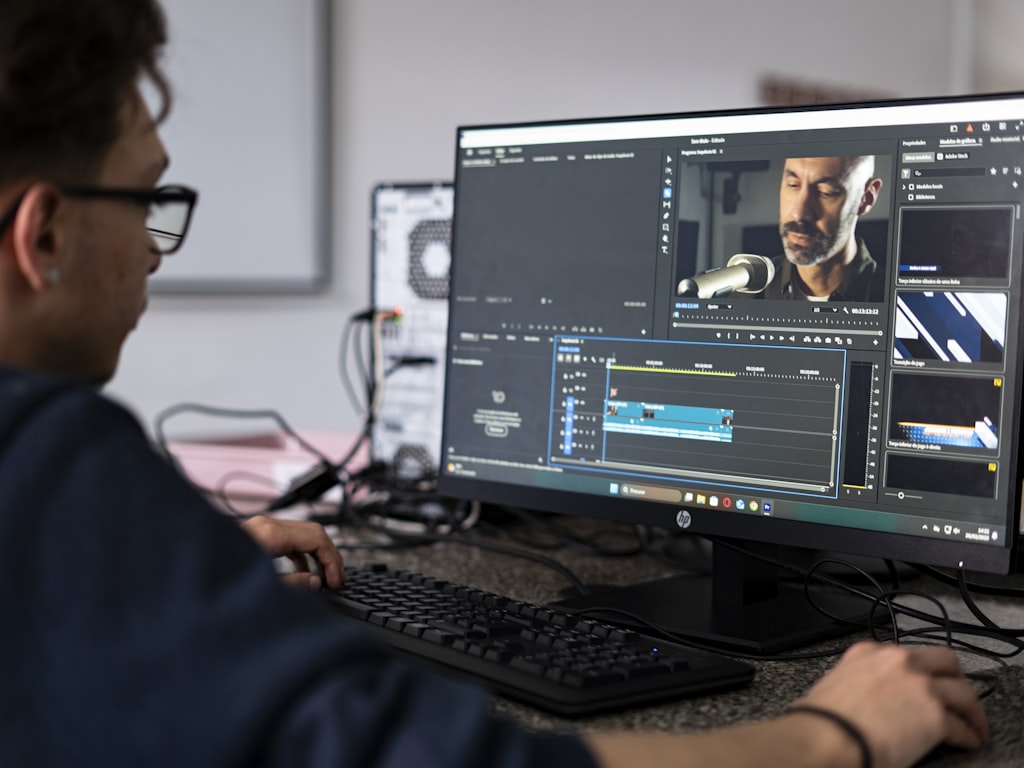
A reliable workflow starts with the learning objective, not the tool. Pick one clear outcome: complete a safety checklist, follow a customer escalation SOP, use a software feature correctly, or understand a revised policy. Once the objective is set, collect the source materials that already explain the topic. That could be a script, slide deck, outline, PDF guide, webinar transcript, or process document. Then write a short, clean script designed for spoken delivery. Keep sentences tight, define jargon, and structure the lesson in a simple sequence: what this is, why it matters, how to do it, and what mistakes to avoid.
This script-first approach works because AI video tools are much better at accelerating first-draft creation than they are at rescuing vague source material. Panopto’s framing is useful here: the speed advantage comes from turning existing learning assets into video quickly. If the assets are organized, the output improves. If the assets are messy, the review workload grows.
Generate broadly, then curate the best output
Once the script is ready, generate multiple versions instead of betting everything on one pass. This is one of the most practical production lessons from heavy users. A Reddit user who shared takeaways after 10,000 AI video generations recommended making many decent videos and selecting the best one rather than chasing one perfect generation. That advice fits training production beautifully. Create three to five variations of the same lesson with changes in pacing, voice style, scene structure, or on-screen emphasis. Then review them against the learning objective and choose the strongest draft.
A practical workflow looks like this: define the learning objective, collect source materials, write a short script, generate several versions, review for instructional quality, edit the best version, and publish through your LMS, intranet, or enablement platform. During review, check for factual accuracy, narration clarity, branding, terminology consistency, and whether the viewer can actually perform the task after watching. If the lesson teaches a process, confirm every step matches the latest SOP. If it teaches software, verify that interface references are current.
The teams that get the most value from ai video generation education training do not treat it as a one-click solution. They treat it as an ongoing workflow with reusable prompts, video templates, review checklists, and revision loops. Build a template for onboarding modules. Build another for policy updates. Keep a prompt library for intros, summaries, scenario framing, and call-to-action slides. Save reviewer comments so future drafts improve faster.
This also helps when you start exploring deeper platform options, including an open source ai video generation model, an image to video open source model, or cases where teams want to run ai video model locally for privacy or internal control. The tool matters, but the workflow matters more. A mediocre process will waste even a strong platform. A clear process makes almost any decent generator more useful.
Best AI Video Generation Education Training Formats for Different Learning Goals (~400 words)

Match the format to the teaching goal
Different learning goals need different video formats, and choosing the right one saves a lot of editing time. Explainer videos are best when you need to introduce a concept, process, or policy quickly. Scenario-based lessons work well when learners need judgment, decision-making, or customer-facing communication practice. Microlearning clips are ideal for short task reminders, quick software tips, and refresher content. Narrated slide videos fit compliance, policy communication, and structured concept teaching. Role-play simulations help with manager training, sales conversations, support escalation, and difficult conversations where tone and sequence matter.
The format should follow the job to be done. If the learner only needs a 90-second reminder on how to file an incident report, a microlearning clip is enough. If the learner needs to navigate a sensitive HR conversation, a role-play simulation is much stronger. If the material changes monthly, narrated slides or modular explainers are easier to update than a heavily produced scenario piece.
Choose where personalization adds the most value
One of the most useful advantages of AI-powered video generation in eLearning is personalization. The eLearning source in the research notes points out that AI-generated video can create dynamic, interactive content that better fits individual learner needs. In practice, that means adjusting examples, pacing, vocabulary, or scenario framing for different learner groups. A compliance lesson for frontline staff should sound different from one for managers. A customer education video for first-time users should move more slowly than one for advanced users. Professional development content can also branch by role, region, product line, or experience level.
A simple decision framework helps. Start with complexity: if the topic is simple and procedural, use microlearning or narrated slides. If it requires reasoning or behavior change, use scenarios or role-play. Next, look at update frequency: if the topic changes often, choose a format that is easy to regenerate from scripts and slides. Then consider attention span: if learners are busy and mobile, use short clips; if they need to practice judgment, accept a longer lesson with checkpoints.
This is also where ai video generation education training becomes more than a basic content conversion workflow. You can create one master script and produce multiple audience-specific variants without rebuilding the lesson from scratch. For employee onboarding, use dynamic examples by department. For customer education, create separate versions by product tier or user maturity. For professional development, personalize case studies by leadership level.
Teams exploring technical flexibility may also compare commercial tools with options like an open source transformer video model or even newer search terms such as happyhorse 1.0 ai video generation model open source transformer. If you go that route, make sure the model and workflow support your actual training format needs, not just flashy output. A less dramatic tool that reliably creates editable explainers may outperform a more experimental model for everyday learning work.
Tools, Platforms, and Learning Resources to Improve AI Video Generation for Education and Training (~390 words)

Use platform training to improve output quality
Better output rarely comes from software alone. It usually comes from people learning how to prompt, structure, review, and revise consistently. That is why platform training matters. Runway Academy is a good example of how vendors are supporting skill-building with courses, tutorials, and hands-on training for AI-powered video creation and generative AI. Runway frames its learning resources for movies, games, advertising, and more, which is useful because it shows these workflows are broader than entertainment. Training teams can borrow the same production habits: structured prompting, iterative generation, shot planning, revision logic, and style consistency.
If your team is new to AI video, assign one or two people to complete guided tutorials before launching a larger pilot. Have them document what actually improves outcomes: prompt structure, script length, scene counts, visual constraints, voice settings, and review steps. Then turn those lessons into internal standards. This shortens the learning curve for everyone else.
Build internal skills with hands-on practice
There is also a growing course ecosystem around AI video literacy. Class Central lists “AI Video School Complete Beginner to Pro” as a 27-hour course, and the summary emphasizes step-by-step guidance plus hands-on experience with real-world projects. That matters because hands-on project work builds competency faster than passive exploration. If your team regularly produces internal training, the quickest way to improve is to take one real lesson, build it, review it, revise it, and compare versions.
Set up small practice assignments: convert one SOP into a 2-minute explainer, rebuild one compliance section as a narrated slide video, or produce two onboarding variants for different departments. Then compare completion rates, reviewer feedback, and time spent per draft. That kind of repetition creates usable internal knowledge fast.
When choosing tools, decide whether you need a lightweight generator for rapid production or a deeper platform with training materials, workflow support, and broader creative controls. Lightweight tools are often enough for narrated explainers, simple update videos, and basic onboarding. Deeper platforms make more sense when your team wants reusable templates, stronger collaboration, or more visual customization. If you are evaluating self-hosted or flexible stacks, also check whether the open source ai model license commercial use terms fit your organization’s needs before adopting any open source ai video generation model. Teams interested in privacy or infrastructure control may want to run ai video model locally, but that only pays off if internal support and licensing are clear. The best platform is the one your team can use repeatedly, train against, and improve with over time.
Cost, Time, and Quality Tips for AI Video Generation Education Training Projects (~420 words)
Keep costs low while testing workflows
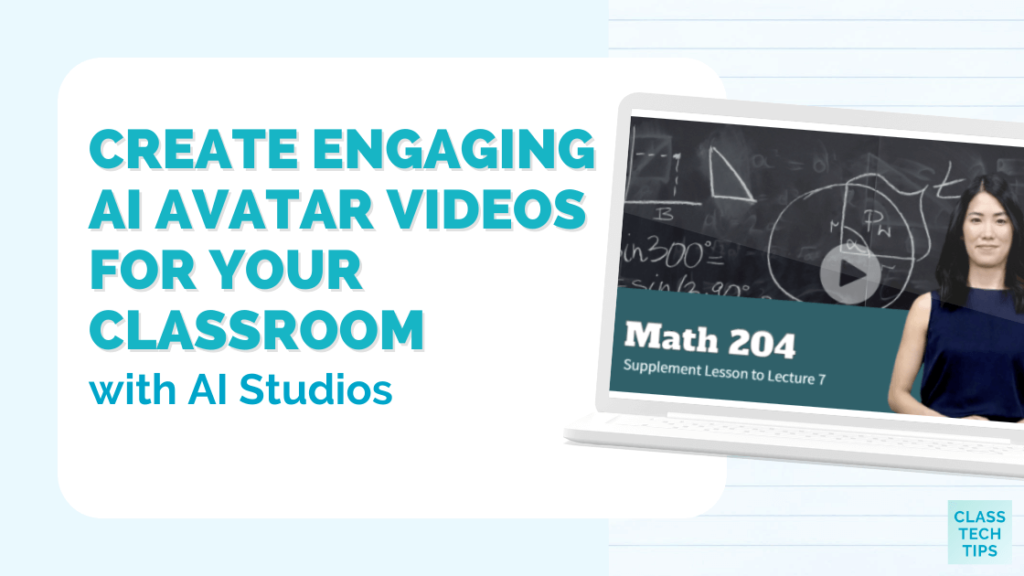
The easiest way to get burned early is to spend too much before you have a repeatable process. One Reddit post about beginner mistakes warns against paying $100+ per finished video and points to inconsistent results as a common source of frustration. That is a useful warning for training teams because internal stakeholders often assume faster production automatically means lower cost. It can, but only after the workflow stabilizes. Early experimentation can get expensive if every draft is custom, every prompt is rewritten from scratch, and every revision starts over.
The safer move is to run a small pilot. Pick one course module, one onboarding lesson, or one policy refresher. Keep the scope narrow and define success in simple terms: production time, reviewer effort, learner completion, and whether the video remains accurate after publication. Use a modest budget and limit the number of rounds. If the process works, then expand to a second use case. This protects your budget while helping you identify where AI actually saves time.
Create review checkpoints before publishing
Quality varies, so review cannot be optional. The most practical fix for inconsistent results is batch generation plus structured review. Generate multiple versions, label them clearly, and track prompts, source files, and edit settings. Keep a version log so you know what changed between outputs. Then review each draft against a checklist: factual accuracy, instructional clarity, visual coherence, pacing, accessibility, pronunciation, terminology, and alignment with brand standards. If the lesson teaches compliance, legal or policy review may also be required before release.
For training content, human review is especially important because a polished-looking video can still teach the wrong thing. A software walkthrough with one outdated step can create support tickets. A policy lesson with muddy wording can cause confusion at scale. AI should speed draft creation and updates, but final approval still needs to stay aligned with learning goals.
A good balance is to use AI for rapid first drafts, short refreshes, localized variations, and routine updates while reserving human effort for verification and final edits. This keeps speed high without lowering standards. Prompt tracking also helps quality improve over time. Save the prompts that worked best for onboarding intros, compliance summaries, or scenario framing. Build a revision loop where reviewer notes feed into your next generation pass.
If you are using ai video generation education training at scale, think like a production operator, not a one-off creator. Batch work by format. Review by checklist. Track versions. Reuse proven prompts. That system reduces waste and makes quality more predictable. It also helps you compare tool options more honestly, whether you are working with a hosted generator, an image to video open source model, or testing whether to run ai video model locally for internal training workflows.
How to Launch AI Video Generation Education Training in Your Organization (~440 words)

Start with a pilot program
A good launch starts with one high-impact use case that already has source content and a real business need. Pick something that changes often or creates repeated production work: onboarding, recurring compliance updates, internal SOP training, or product knowledge refreshers. These are ideal because AI video is especially useful for fast updates and repurposing existing assets. Gather the source material, define the learning objective, and assign a small working group with clear roles: content owner, reviewer, editor, and approver.
Then set a short pilot timeline. Build one lesson, not ten. Generate several versions, review them, make one edited final, and publish it to a limited audience. Measure a few useful outcomes: production time compared with your normal process, learner completion, watch-through rate, reviewer satisfaction, and whether the content stayed accurate after publication. If possible, compare performance against an existing version of the same lesson. This gives you a grounded view of whether the workflow is worth expanding.
Create a repeatable internal production system
Once the pilot proves useful, the next step is systematizing what worked. Build an internal library of prompts, templates, voice and tone guidelines, visual structures, intro patterns, summary formats, and review checklists. Create a standard script template for explainers. Create another for policy changes. Build a scenario template for manager training. Save examples of strong outputs and note which prompts, settings, and source materials produced them.
This internal system is what turns experimentation into production capacity. Without it, every new lesson starts over. With it, your team can move faster and stay more consistent. If one onboarding video format works, clone it for new departments. If one software walkthrough structure tests well, use it as the default for future updates. If one reviewer checklist catches most issues, make it mandatory before publishing.
It also helps to define content tiers. Tier 1 might be quick-turn updates built from scripts or slides with light editing. Tier 2 might be scenario-based lessons requiring more review. Tier 3 might be high-visibility external or executive-facing content that still needs traditional polish. This keeps your team from overproducing everything and preserves speed where speed matters most.
Over time, this approach delivers practical outcomes: faster content refreshes, broader coverage of training needs, more scalable video creation, and less bottleneck pressure on subject matter experts. Instead of waiting weeks to update a lesson, you can revise the source script and regenerate a new draft. Instead of leaving low-priority topics undocumented, you can produce concise video coverage efficiently. And instead of treating AI video as a novelty, you turn it into a working part of your learning operation.
The organizations getting the most value from ai video generation education training are not the ones generating the flashiest videos. They are the ones building a reliable internal process around the content they need to update and deliver every day.
Conclusion

The smartest way to use AI video generation in education and training is to start with what you already have. Existing scripts, slides, outlines, SOPs, and course notes give you the fastest path to useful first-draft videos, and Panopto’s examples make that clear. From there, the winning pattern is simple: define one learning objective, generate several versions, review carefully, and refine the best output. That keeps the process practical and protects quality.
Skill-building matters just as much as software. Resources like Runway Academy and the 27-hour Class Central-listed “AI Video School Complete Beginner to Pro” show that structured practice is already becoming part of AI video literacy. The teams that improve fastest are the ones doing hands-on projects, saving prompts, building templates, and learning from every revision cycle.
Cost control matters too. Early overspending and inconsistent output are real risks, especially before a workflow is stable. Small pilots, batch generation, version tracking, and review checkpoints keep experiments affordable and useful. Once the process is reliable, scaling becomes much easier.
For most training teams, the opportunity is not replacing all production. It is speeding up drafts, updates, and repeatable content where learner relevance matters more than cinematic complexity. Start small, build a workflow your team can repeat, and expand only when speed, quality, and instructional accuracy are working together. That is where AI video becomes genuinely valuable for education and training.