 HappyHorse Model
AI Video Generation in Film and TV Production: Practical Uses, Workflows, and Tools
AI video generation film production is no longer just a futuristic demo or a gimmick for social clips. On real projects, it is becoming a practical way to turn scripts, pitches, storyboards, and shot ideas into usable visual assets fast, often before a production has locked financing, crew, locations, or a full previs budget. That shift matters because the earliest stages of a film or series are usually where momentum is won or lost. If you can show tone, rhythm, camera intent, and worldbuilding early, you give collaborators something concrete to react to instead of asking them to imagine the whole thing from a PDF.
The current sweet spot is not “replace the set.” It is “show the scene.” Research across industry commentary, tool roundups, and workflow demos keeps pointing in the same direction: generative AI is strongest in pre-production, pitching, animatics, rough scene construction, and certain low-cost content tasks. Zapier’s roundup of AI video generators describes the category as a way to save time, smooth out content creation schedules, and increase final production value. Luma AI explicitly markets cinematic video creation from text, images, or prompts with no editing skills needed. Forrest Iandola’s Medium piece goes even further, arguing that generative AI is moving toward a world where anyone with a strong story idea could make a professional-quality TV episode with no special skills.
For working producers, directors, editors, and development teams, the useful question is not whether the tech is overhyped. The useful question is where it can remove friction right now. That usually means visualizing a treatment, testing scene coverage, building moving animatics, making a proof-of-concept teaser, or generating mood variations before spending money on a shoot day. Used that way, AI becomes a speed layer inside the existing pipeline, helping small teams make clearer decisions earlier and cheaper.
Where AI Video Generation Fits in Film Production Today
Best uses for pre-production, pitching, and animatics
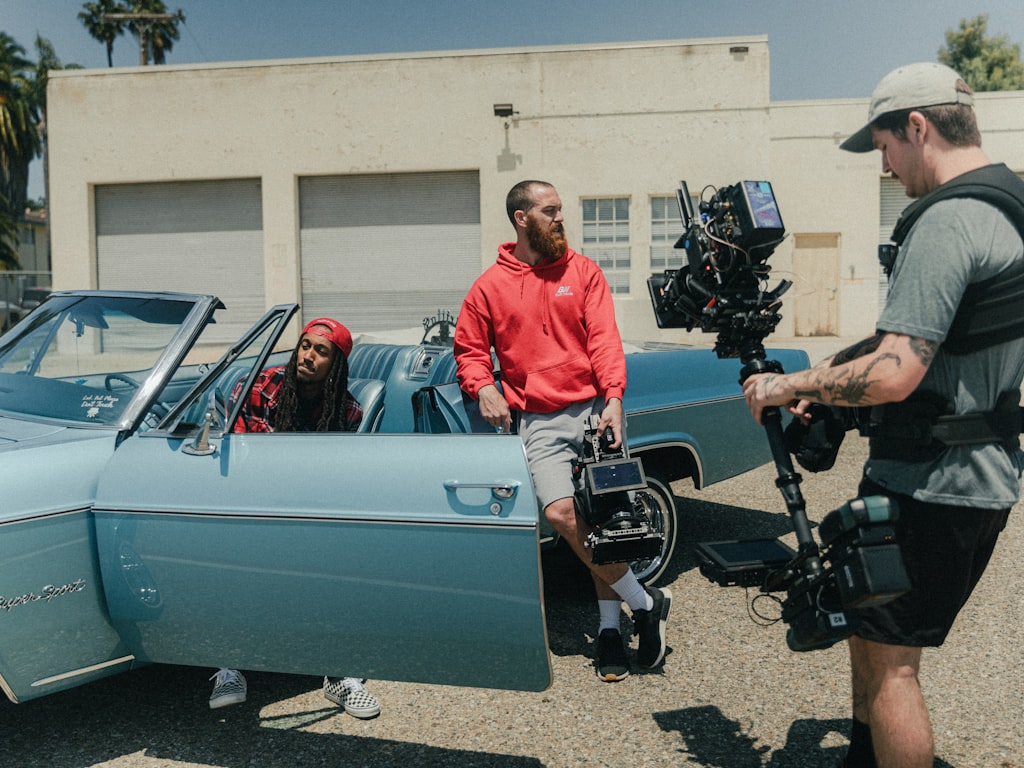
The strongest current role for AI video is in the stages where you need clarity, speed, and optionality more than perfect final imagery. That means concept visualization, pitch packages, early story development, moving storyboards, and rough scene previews. If you have a treatment, a few pages of script, or a lookbook, you can now turn that material into motion quickly enough to review pacing and tone before committing to a shoot plan.
That is where AI video generation film production is earning its place. Instead of waiting for a full previs pass or manually assembling static boards into a rough timeline, you can generate visual references, test transitions, and explore basic camera language in hours. Research on AI animatics specifically points to moving previews from storyboards as a major win, because they show pacing, transitions, and overall flow before final production begins. That alone can save a lot of wasted discussion in prep meetings.
For pitching, this is especially useful. A treatment becomes more convincing when buyers can see a rough teaser, not just read tone adjectives. For development, it helps you answer practical questions early: Does the scene feel tense or flat? Is the reveal too late? Does the coverage suggest a thriller, a prestige drama, or a broad streamer-style look? AI is very good at helping you test those questions without building a full asset pipeline first.
What tasks AI can speed up right now
Right now, the biggest gains come from tasks that used to sit in a gray area between writing and production. AI can speed up concept art generation, style frames, rough moving shots, storyboard enhancement, animatics, internal pitch reels, proof-of-concept scenes, and social promo mockups. One source on cost reduction argues that generative AI offers tangible benefits that significantly reduce video production costs while maintaining high-quality standards, and another notes that businesses are already using AI to handle scripting, editing, and video assembly to avoid large crew requirements for certain content types.
The important caveat is that this is not a full crew replacement strategy for narrative work. Use AI when the goal is to visualize, compare, align, and refine. Use live-action shooting when performance nuance, production design specificity, physical interaction, and final-quality realism matter most. Use traditional previs when you need exact blocking, technical camera paths, stunt planning, or VFX coordination. Use manual editing when you already have footage and need human story judgment to shape it.
A simple decision framework helps. Choose AI video if you need fast idea-to-motion output, multiple visual variations, or a proof of tone. Choose live action if the scene must represent final actor performance, wardrobe, location texture, or client-facing realism. Choose traditional previs if the sequence depends on technical precision. Choose manual editing if the core problem is narrative assembly, not asset creation.
The efficiency case is pretty clear from the research: faster content creation, smoother schedules, and lower early-stage costs. If the question is, “Can this help us make better decisions before production spends real money?” the answer is increasingly yes.
How to Use AI Video Generation Film Production for Pitches and Development
Turning loglines and scripts into pitch visuals
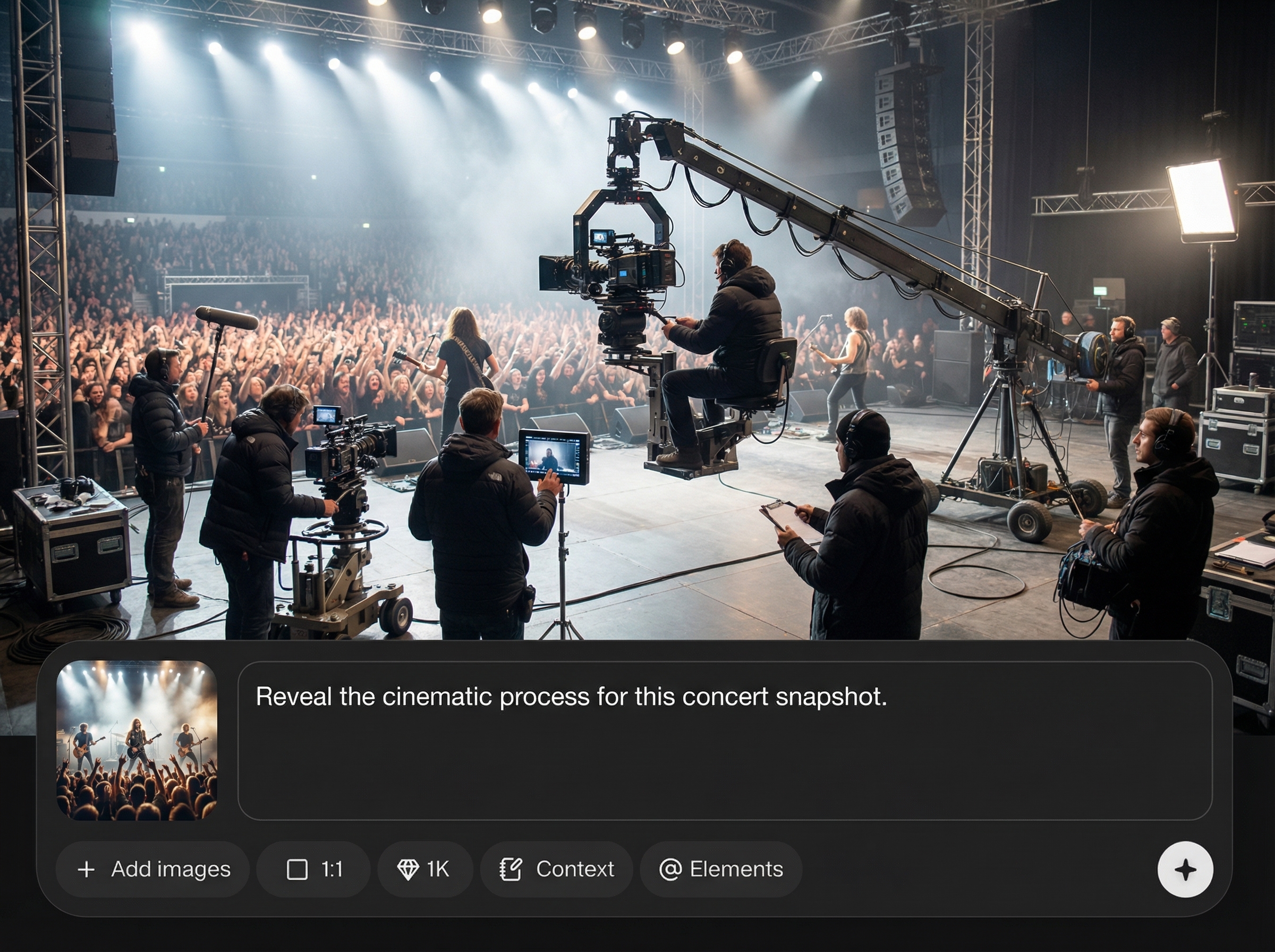
A practical pitch workflow starts with the material you already have: a logline, a one-page treatment, or a short script excerpt. Pull out three to five key moments that define the project’s identity. Those might be the opening image, the main character reveal, a tonal set piece, a conflict beat, and a final button. Generate reference frames for each one first. Do not jump straight to video. Still images force you to lock the essentials: era, color palette, lens feel, wardrobe direction, location texture, and character silhouette.
Once the frames feel aligned, move to short motion clips. Keep them brief, usually three to eight seconds, and focus each clip on one idea: a slow push-in, a wide establishing pass, an over-the-shoulder confrontation, a corridor walk, a reveal. Luma AI and similar commercial tools are useful here because they are designed to create cinematic clips from prompts or images quickly, even if you are not a VFX artist or editor. That lowers the barrier for producers or creators who need a polished-looking deck fast.
AI video generation film production works best in pitches when it communicates tone and ambition, not when it tries to fake an entire finished trailer. Buyers do not need perfection at this stage. They need confidence that you understand the world, the genre, and the screen language. A 30-second proof reel built from five strong AI clips often sells the project more effectively than two minutes of overgenerated footage with no clear visual strategy.
Creating proof-of-concept scenes for buyers and stakeholders
For proof-of-concept work, choose one scene that captures the show or film’s promise. If it is a crime series, build the tense interrogation. If it is sci-fi, visualize the first reveal of the world. If it is horror, pick the corridor sequence where dread lives in the camera movement. The point is not coverage completeness. The point is to demonstrate that the concept plays on screen.
AI is especially strong when you need rapid variations. Research and creator commentary both point to idea generation and creative block-breaking as real benefits. Use that intentionally. Generate alternate versions of the same moment with different lighting, production styling, weather, wardrobe, and mood. Try “rain-soaked neon urban night,” then “sterile luxury penthouse dusk,” then “sun-faded desert roadside motel.” That kind of controlled variation helps refine the concept before you spend money building decks, booking scouts, or commissioning traditional concept art.
For pitch materials, make your scene samples carry clear signals. Use wide shots to show scale. Use mediums and over-the-shoulders to suggest dialogue flow. Add one close detail insert to imply production care. If the project leans premium, prompt for slower camera movement, intentional negative space, and restrained color design. If it leans streamer-action, test sharper motion and more obvious coverage. AI is useful here because you can communicate genre and camera language quickly to networks, studios, financiers, or clients who need something visual to react to now.
One useful rule: stop when the sample answers the buyer’s main concern. If they need to understand tone, show tone. If they need confidence in worldbuilding, show the world. If they need to know whether the action can be staged, show one believable action beat. Keep the deliverable focused.
Building Storyboards, Animatics, and Multi-Angle Scenes with AI Video Generation
From storyboard frames to moving animatics
Static boards are still essential, but moving animatics change the conversation because they reveal timing. Research on AI-assisted animatics highlights exactly that: they can turn storyboard material into moving previews that show pacing, transitions, and overall flow before final production starts. That is incredibly useful when a sequence looks strong as images but drags once it has duration.
A workable process starts with clear storyboard panels, even rough ones. Write a shot list with shot size, camera move, and approximate duration beside each panel. Then generate refined visual storyboard frames using AI image tools, keeping the same framing and scene geography. Once those are locked, feed the frames or prompts into a video model to create short motion clips that mimic the intended shot. Drop those clips into a timeline with temp sound, simple dialogue beats, and rough transitions. Now you have an animatic that can actually be screened in a prep meeting.
This saves time in two ways. First, it reduces the effort needed to communicate shot intent to collaborators who are not reading the boards the same way you are. Second, it exposes pacing problems early. You will immediately see if a reaction shot is too long, if an establishing shot is unnecessary, or if a scene needs a missing beat between two camera moves.
Creating TV-style scenes with multiple camera angles
One of the most practical developments is using AI to build TV-style scenes with multiple camera angles. The tutorial research specifically references this approach, and it lines up with how many teams are already experimenting: generate the same scene from a master, over-the-shoulders, mediums, inserts, and a close-up pass so editorial can test coverage ideas before shooting.
The key is planning for angle consistency before prompting. Start by writing a scene bible for the sequence: character descriptions, wardrobe details, emotional state, location layout, time of day, lens feel, and recurring visual anchors. Then define the angle set. For example: 24mm master from doorway, 50mm over Character A’s shoulder, matching reverse over Character B, 85mm close-up on the reveal line, insert on the hand tightening around the glass. Generate each angle as part of one controlled batch, using the same reference images and the same continuity notes.
Prompting matters here. Include repeatable identifiers like “same woman in charcoal coat with silver ring, same diner booth with red vinyl seating, same rainy window background, same low-key tungsten practical lighting.” That kind of repetition improves continuity across generated shots. If your tool supports image references, always anchor the sequence with the same character and location images rather than relying on text alone.
A practical tip for better editability: do not make every shot dynamic. Mix static, slow push, and modest handheld-inspired motion. Editors need contrast in energy to shape a scene. Also keep clip lengths short. A clean four-second over-the-shoulder is more useful in previs than a ten-second wandering shot with drift.
For continuity, create a simple tracking sheet with columns for shot number, prompt version, character look reference, location reference, camera angle, motion style, and selected take. That little bit of discipline prevents the usual AI problem of generating endless alternatives with no coherent scene assembly plan.
A Step-by-Step AI Video Generation Film Production Workflow
Pre-production to final output
A reliable workflow starts before generation. Begin with concepting: define the project goal for the asset. Is it for a pitch deck, internal previs, investor teaser, scene planning, or final delivery? That decision changes how polished the output needs to be and how much time you should spend refining it. Research on emerging AI film workflows points to a pipeline that spans pre-production, reference image generation, video generation, post-production, and final output. That broad approach works because it treats AI as part of production, not a one-click shortcut.
Stage one is concept breakdown. Pull scenes into beats and identify the must-show visual moments. Stage two is reference generation. Create stills for characters, locations, props, color palette, and key frames. Lock these before moving on. Stage three is video generation. Build short clips shot by shot using either text prompts, image references, or both. Stage four is post. Assemble the clips, trim drift, add temp sound, stabilize pacing, and do basic polish like speed changes, frame interpolation, cleanup, or title cards. Stage five is delivery: export the version that matches the purpose, whether that is a compressed deck embed, a presentation reel, or a previs timeline.
How to combine reference images, prompts, generation, and post
The strongest results usually come from combining images and text, not choosing one or the other. Use reference images to lock the visual identity, then use prompts to describe action, camera behavior, mood, and scene context. A good prompt stack often includes five elements: subject, environment, action, cinematography, and style constraints. For example: “same detective from reference image, standing in a dim archive room with green banker lamps, slow turn toward camera after hearing a sound, 50mm lens, restrained slow dolly-in, moody procedural drama, naturalistic texture, no exaggerated motion.”
After generation, review clips in passes. First pass: narrative clarity. Does the shot communicate the beat? Second pass: continuity. Does it match the sequence around it? Third pass: technical stability. Are faces, hands, and backgrounds holding together well enough for the intended use? If a shot fails the first pass, do not waste time polishing it. Regenerate or rethink the shot concept.
AI can also assist around the edges of the workflow. Use writing tools to turn script pages into shot prompts or extract beat summaries. Use transcription and rough-editing tools to assemble temp narration and cut together generated clips quickly. If your team is small, these support functions matter as much as the image generation itself because they reduce the manual overhead around every iteration.
Versioning is where many teams lose control. Set up folders by project, sequence, shot, and version. Name exports consistently: EP101_SC03_SH05_v03. Save the prompt used for every selected clip in a text file or production doc. Mark clips by intended use: pitch, previs, or final_candidate. That prevents endless generation loops and keeps the team focused on clips that serve story clarity instead of novelty.
A useful checkpoint at every stage is simple: is this asset good enough for its job? If it sells the tone in a pitch, stop. If it clarifies blocking in previs, stop. If it can survive in a final piece with minor post work, move it to finishing. The goal is not infinite possibility. The goal is decision-making.
Best AI Video Tools and Open Source Options for Film and TV Teams
Commercial tools for cinematic video generation
Commercial tools currently win on speed, usability, and low-friction output for non-editors. Luma AI is one of the clearest examples because it positions itself around cinematic generation from text, images, or prompts with no editing skills needed. That is useful for producers, development teams, and directors who need a visual result quickly without building a technical stack. Tool roundups like Zapier’s also frame the best platforms around practical benefits: faster creation, smoother schedules, and higher production value.
When comparing commercial options, look at six criteria. First, output quality: does motion feel cinematic or synthetic? Second, consistency: can you keep characters and locations stable across multiple shots? Third, control: can you guide with image references, style settings, camera language, or shot-specific prompts? Fourth, licensing: what can you do with the outputs commercially? Fifth, cost: does pricing match previs use or regular client work? Sixth, workflow fit: is the tool best for rough pitch clips, internal animatics, or polished near-final content?
If your main need is pitch or development, prioritize speed and ease of use over maximum tweakability. If your main need is sequence building, prioritize reference controls and shot-to-shot consistency.
Open source AI video generation model options to explore
Open tools are improving, especially if you want more control or need to experiment beyond a subscription platform. If you are researching an open source ai video generation model, start by separating text-to-video from image-to-video workflows. For production teams, an image to video open source model can be especially practical because you can lock a style frame first, then animate it into a shot. That often gives you better continuity than pure text prompting.
You will also see interest around the open source transformer video model space and niche searches like happyhorse 1.0 ai video generation model open source transformer. The key question is not just whether a model exists, but whether it is stable, documented, and production-usable. Can it handle shot-length outputs that are actually useful? Can it preserve facial consistency? Can your hardware support it?
Some teams want to run ai video model locally for privacy, asset control, or cost reasons. That can make sense if you are working with unreleased IP, client-sensitive material, or custom workflows. Local setups usually demand stronger hardware, more testing, and more technical tolerance, but they can offer flexibility that cloud tools do not.
Always verify the open source ai model license commercial use terms before using any model or output in paid work, indie features, branded content, or TV development. “Open source” does not automatically mean unrestricted commercial rights. Check whether the model weights, training terms, and output usage rights fit your project before you build a workflow around them.
For most film and TV teams, the practical split is simple: use commercial tools when speed and accessibility matter most, and explore open-source options when control, experimentation, or local deployment matters more than convenience.
How Indie Producers Can Cut Time and Costs with AI Video Generation Film Production
Fast wins for small crews and first-time users
If you are producing with a tight budget, the clearest wins are in early-stage materials and lightweight content tasks. Start with pitch teasers, previs clips, social promos, simple inserts, visual references, and internal development reels. Those are the places where AI can save real time without forcing the whole production to change. Research keeps supporting this framing: generative AI is useful for lower-cost pre-production, storyboarding, simple shot creation, and proof-of-concept visuals, not for replacing the entire crew on a narrative project.
This is where ai video generation film production becomes especially practical for indie work. A short concept teaser can help you approach talent, investors, and collaborators with something stronger than stills. A rough animatic can save a day of confusion on set because everyone already understands the sequence rhythm. A generated insert or atmospheric transition might even fill a small gap in a promo cut without requiring pickup photography.
There is also a cost argument in adjacent tasks. Research on AI-driven production savings points to support for scripting, editing, and video assembly, along with reduced dependence on large early-stage crews for some deliverables. That means a producer-editor combo can move much faster through concept testing before adding more people or spend.
What to automate first for the biggest savings
For a first project, keep the scope brutally small: one scene, one tool, one deliverable. Do not try to build a whole short film from prompts on day one. Pick a scene that would benefit from visualization, choose one platform, and make either a 20-second pitch clip or a one-minute animatic. That gives you a controlled test of quality, time cost, revision burden, and team response.
The best first automations are the ones that remove repetitive prep work. Good examples include turning a script excerpt into shot prompts, generating look frames for deck pages, creating multiple mood variations for one location, assembling rough scene previews, and building internal teaser edits with temp sound. Those save time without disrupting principal photography, post schedules, or vendor relationships.
Use a simple checklist when deciding what to hand to AI:
- Does this task happen before final production decisions are locked?
- Would a rough visual answer be enough?
- Do we need variations more than perfection?
- Is the output for internal review, pitching, or lightweight public-facing use?
- Can one person review and approve the result quickly?
- Will this reduce paid labor hours without creating cleanup work later?
If the answer is yes to most of those, AI is probably worth testing. If the task demands exact actor likeness, performance nuance, tightly controlled continuity, or union-sensitive production realities, keep it in the traditional pipeline.
The smartest indie approach is incremental. Use AI to accelerate development, reduce guesswork, and compress the gap between idea and screen test. Once you know where it helps your process, you can expand from teasers and animatics into more ambitious proofs of concept. That is where the time and budget savings become real: not by replacing filmmaking, but by making the expensive decisions later and the creative decisions earlier.
AI video generation film production is most effective when it acts like a fast visual workshop inside your existing process. It helps turn a treatment into a teaser, boards into animatics, and scene ideas into testable coverage without waiting for a full production machine to spin up. For film and TV teams, that means faster pitches, clearer previs, leaner development cycles, and better-informed production choices. Used with discipline, it shortens the path from concept to something you can actually watch, react to, and improve. That is the real value right now: moving from idea to screen test faster, with lower early-stage cost and a lot less guesswork.