 HappyHorse Model
AI Video Generation for Social Media Content Creators: Tools, Workflows, and Best Practices
AI video generation social media content works best when you match the tool and workflow to the format, platform, and speed you actually need. A faceless Reel, a polished UGC-style ad, a podcast snippet, and a cinematic brand teaser might all be “AI videos,” but they should not be made the same way. The fastest creators I know are not chasing one magic app. They are picking a starting asset, choosing the right generation method, and then editing hard for the platform.
What AI Video Generation for Social Media Content Actually Includes
The main content formats creators can produce
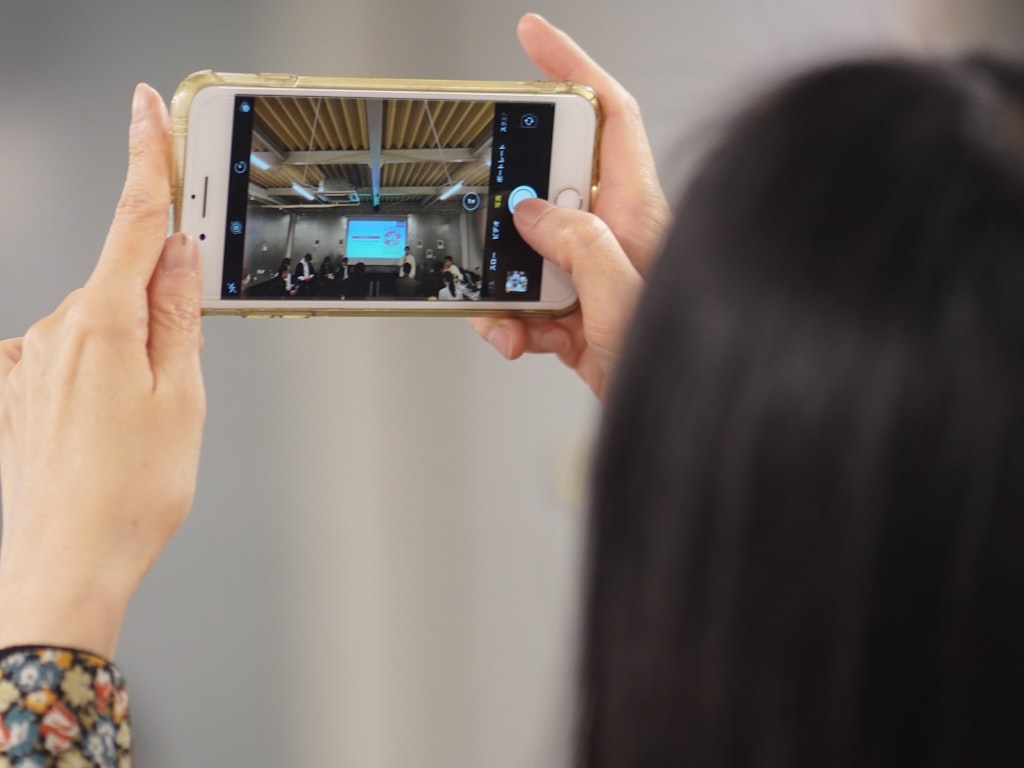
AI video creation for social platforms now covers far more than typing a prompt and hoping for a viral clip. You can generate short-form vertical videos, faceless explainer content, image-based motion reels, podcast audiograms with visuals, talking-head alternatives, product demos, quote videos, UGC-style ads, and short clips pulled from long-form content. That range matters because each format starts from a different asset and needs a different workflow.
For example, if you already have a script, a text-to-video flow makes sense. If you have static brand photography, image-to-video is faster. If you recorded a podcast or voice note, audio-to-video is the obvious path. If you published a webinar, interview, or YouTube episode, clip repurposing will usually beat generating from scratch.
When to use text-to-video, image-to-video, audio-to-video, or clip repurposing
The most useful AI video generation social media content workflows are text-to-video, image-to-video, audio-to-video, and long-video-to-short-clip conversion. Each one solves a different bottleneck.
Text-to-video works best when the idea comes first and you need a quick draft for Shorts, TikTok, or Reels. Steve.ai is a practical example here because it offers AI Text to Video for turning written ideas into videos in minutes, plus Generative AI options for broader creation. If your prompts are vague, Steve.ai’s Advanced Prompter is useful because it helps sharpen the request before generation, which cuts down on wasted iterations.
Image-to-video is the right move when you have product photos, illustrations, thumbnails, or branded visuals that need motion. Steve.ai’s Image to Video AI is built for transforming images into cinematic scenes. Luma AI also fits this workflow well because it explicitly positions itself around turning text and images into social videos for Instagram, TikTok, and more, and it claims it can create those videos in seconds.
Audio-to-video is ideal for podcasts, narration-driven educational posts, and voiceover content. Steve.ai’s AI Audio to Video is a clear example of this route: start with the audio, then build visual support around it instead of forcing a fresh video concept.
Clip repurposing is often the highest-ROI workflow because the content already exists. Steve.ai’s AI ClipMaker is designed to turn long videos into short, shareable clips instantly. That makes it especially useful when you have interviews, webinars, YouTube uploads, or livestreams that can be converted into multiple social posts.
The easiest way to choose is simple: start with the asset you already have. Script equals text-to-video. Image set equals image-to-video. Podcast clip equals audio-to-video. Long-form recording equals clipping and repurposing. That one decision saves hours and keeps your workflow tight.
Best AI Video Generation Social Media Content Tools by Use Case
Best tools for short-form clips, faceless videos, and UGC-style ads
There is no universal winner, and that is honestly a good thing. The best tool depends on the output you are trying to publish this week. If your job is repurposing content across formats, Steve.ai stands out because it covers multiple workflows in one stack: AI Text to Video, AI ClipMaker, Image to Video AI, AI Audio to Video, and Advanced Prompter. That mix is practical when one creator account needs to turn scripts, images, podcasts, and long videos into platform-ready posts.
For fast social videos built from text or images, Luma AI is a strong fit. Its positioning is very direct: create stunning social media videos in seconds and convert text and images into content for Instagram, TikTok, and more. When speed matters more than deep editing, that kind of quick-output tool is useful.
For faceless educational content, Cliptalk Pro is worth noting because a Reddit comment specifically highlighted it for making short faceless videos for YouTube and Reels by turning user-written scripts into videos. If your content engine depends on script-first explainers, that is a sharper use case than trying to force a cinematic generator into faceless content.
For UGC-style ads, Tagshop AI came up in Reddit discussions as a tool for creating high-quality UGC-style video ads for social media and e-commerce quickly and cost-effectively. If you are making paid social creatives or organic videos meant to feel like creator-shot recommendations, that use case is much more specific than generic “AI video.”
Best tools for editing, realism, motion, and quality
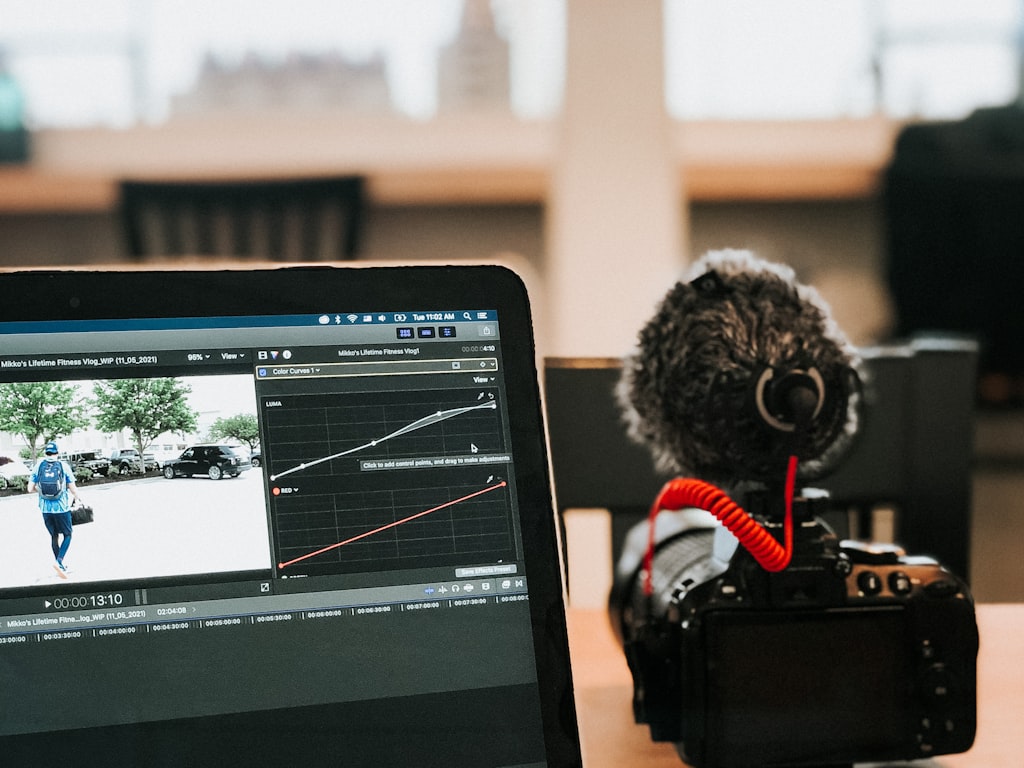
Editing is its own category, and Descript earns a place here because text-based editing is a huge time saver when you already have recorded content. You can edit by transcript, remove filler words, and clean up rough takes without living in a timeline. For creators cutting interviews, voiceovers, webinars, and tutorials into social clips, that speed matters.
On the broader creation side, Reddit users also called out Synthesia, InVideo, Runway ML, and Hyper as tools they tried for social media video that “actually worked.” The useful takeaway is not that one of these beats everything else. It is that creators keep landing on different tools because output type matters more than hype.
For prompt adherence, Zapier named Google’s Veo 3.1 the best all-arounder in its 2026 comparison and specifically noted its strong prompt adherence, meaning it stays close to the prompt or source image. That is valuable when brand consistency matters and you cannot afford the model wandering off-style.
For motion and realism, MASV’s comparison gives a clean breakdown: Kling is best for action scenes, Runway is best for physics-accurate motion, and Google Veo is best for 4K quality. If you want believable movement, Runway is a smart shortlist. If the scene involves dynamic action, Kling deserves attention. If final visual quality is the priority, Veo is the benchmark from that comparison.
If you are also researching an open source ai video generation model, an image to video open source model, or whether you can run ai video model locally, treat that as a separate decision from social publishing speed. Open models can be powerful, but for day-to-day posting you still need output speed, editing workflow, and clarity on open source ai model license commercial use before using them in client or brand work.
How to Build an AI Video Generation Social Media Content Workflow Step by Step
A repeatable workflow from idea to published post
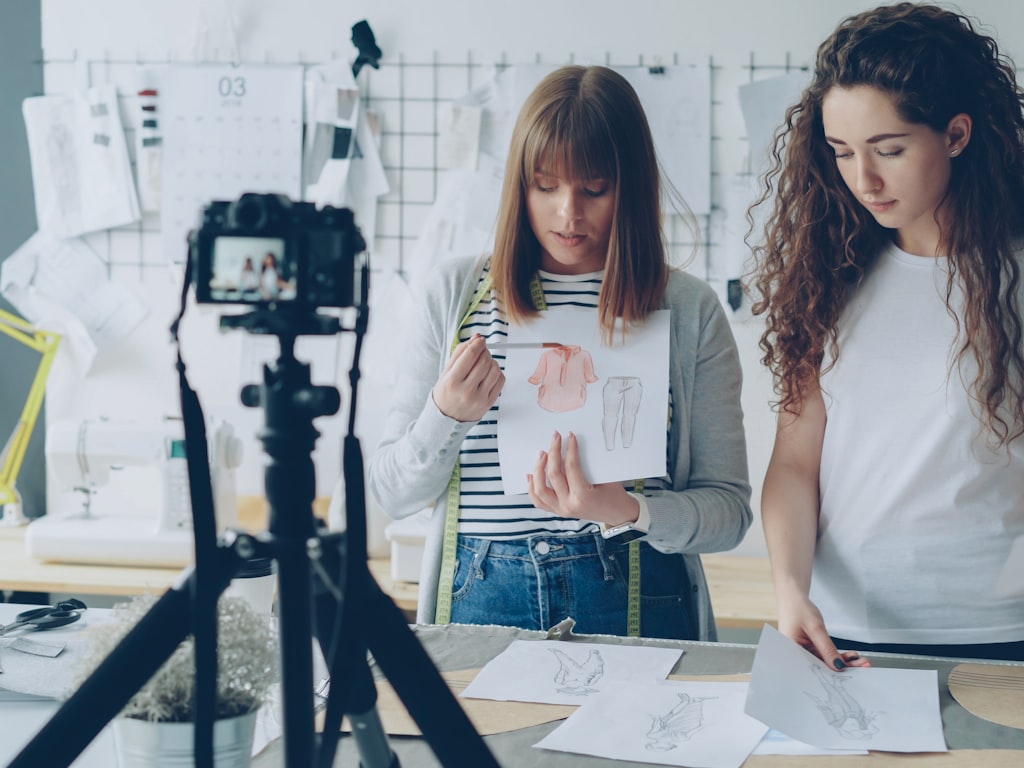
A repeatable workflow starts before generation. One of the smartest research-backed habits is analyzing viral videos and identifying patterns before making anything with AI. That means checking what hooks are winning, how long the intro is, what visual pacing works, what caption styles appear repeatedly, and where the payoff lands. AI is much better when it is fed a proven structure instead of a random idea.
Step one is trend research. Pull 10 to 20 top-performing videos in your niche on TikTok, Reels, or Shorts. Track the hook format, average clip length, text placement, speaking speed, and CTA style. Step two is script or prompt drafting. Write your angle in one sentence, then turn it into a short script or structured prompt. If you are using a tool like Steve.ai, the Advanced Prompter-style approach helps because it refines loose ideas into more specific instructions before generation.
Step three is generation. Choose the workflow by source asset. A script goes into text-to-video. A podcast section becomes audio-to-video. Existing webinar footage goes into clipping. Static visuals become image-to-video. Step four is editing. This is where rough AI outputs turn into content that feels native. Tighten pacing, remove weak openings, replace generic transitions, and trim every dead second.
Step five is clipping and captioning. For recorded content, Steve.ai’s AI ClipMaker can quickly pull short segments from long-form video. For spoken content, Descript can speed cleanup with text-based editing and filler-word removal before you export clips. Then add burned-in captions sized for vertical viewing, because a lot of social video is watched on mute first.
Step six is publishing. Optimize separately for each platform rather than cross-posting one identical file. TikTok might want faster cuts and stronger text overlays. Reels may reward cleaner aesthetic pacing. Shorts often benefits from a direct hook and compact duration.
How to repurpose one idea into multiple platform-ready videos
One strong idea should become several assets. A 10-minute YouTube video can turn into three to five Shorts or Reels with different hooks. A podcast clip can become an audio-to-video post with waveform visuals, headline captions, and B-roll. A set of product images can become an image-to-video reel with multiple motion variations. A single script can produce two faceless versions, one UGC-style version, and one quote-led teaser.
This is where ai video generation social media content gets efficient. You are not trying to create from zero every day. You are building a system that converts one source into many tested outputs.
Prompting and Editing Tips to Improve AI Video Generation Social Media Content
Prompt formulas for stronger output
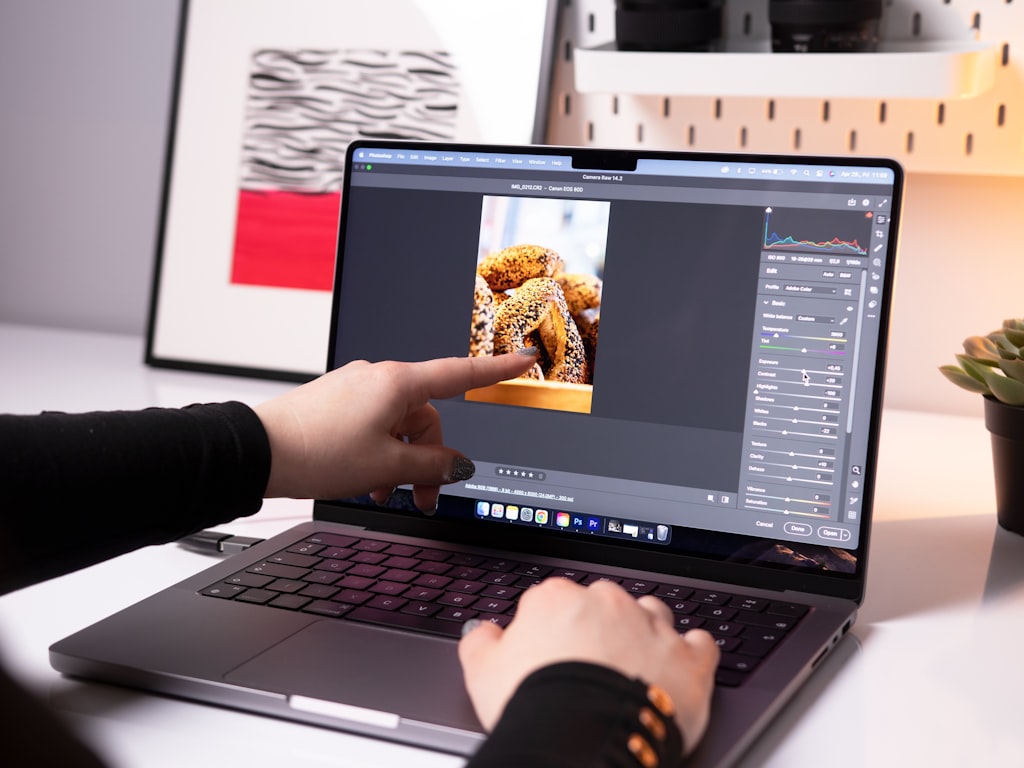
A strong prompt for social video needs more than a topic. The easiest formula is: subject + scene + motion + framing + platform + duration + style. For example: “Confident fitness coach in a bright home gym, demonstrating one simple stretch, subtle camera push-in, vertical 9:16 close-to-medium framing, TikTok format, 15 seconds, fast-paced natural UGC style with bold on-screen captions.” That level of specificity gives the model fewer chances to drift.
Add details that affect social performance directly. Mention the first-second hook, the visual action in the first three seconds, whether captions should be emphasized, and the emotional tone. If you are generating from an image, mention that the output should stay close to the source composition and brand colors.
Prompt adherence matters because consistency matters. Zapier’s note about Google Veo 3.1 having strong prompt adherence is a useful benchmark here. If a model stays close to your prompt or image, you spend less time fixing off-brand scenes, inconsistent subjects, or weird style changes across a campaign.
If your prompts are still producing vague clips, use an Advanced Prompter-style layer before generation. A prompt improver can help turn “make me a cool ad” into something usable like “Vertical 15-second Instagram Reel showing a skincare serum on a marble counter, morning light, macro close-ups, hand interaction, subtle liquid motion, clean luxury aesthetic, soft neutral palette, polished product-commercial style.” Better prompt in, fewer revisions out.
Editing tricks that make AI-generated videos feel platform-native
Raw AI output almost never feels fully native without editing. The first fix is the hook. Open with the most visually active or curiosity-driven moment, not with a slow setup shot. The second fix is pacing. Most clips improve when you trim 10 to 25 percent off the original timing and cut faster than you think you should.
Descript is especially useful here if you are working with spoken content, interviews, voiceovers, or repurposed recordings. Its text-based editing and filler-word removal make cleanup much faster than timeline-only workflows. That means you can remove “uh,” dead pauses, duplicate lines, and weak tangents before you build shorts from the transcript.
Then polish for platform fit: use larger captions than you think you need, front-load your on-screen text, and break sentences into fast readable chunks. Add punchy transitions only where they reinforce the beat. Replace generic AI music with audio that fits the platform mood. If a generated clip feels too perfect or sterile, add zooms, tighter crops, jump cuts, reaction text, or screenshot overlays to make it feel like something native to TikTok, Reels, or Shorts.
The goal is not to hide that AI helped. The goal is to turn the output into something that scroll-stoppers actually watch.
Choosing the Right AI Video Generator for Reels, TikTok, Shorts, and Social Ads
Best picks by platform goal
Start with the platform goal, not the feature list. If you need fast trend content, Luma AI is a logical option because it is built around creating social videos quickly from text and images for platforms like Instagram and TikTok. If you want motion realism or more cinematic brand visuals, Runway belongs on the shortlist, especially since MASV called it best for physics-accurate motion.
If your content is faceless education, Cliptalk Pro is the more targeted pick because users specifically mentioned using scripts to create short faceless videos for YouTube and Reels. If you are making UGC-style ads for products, Tagshop AI is better aligned with the brief because it has been referenced for high-quality UGC-style ad creation for social and e-commerce.
If your priority is repurposing existing long-form content, Steve.ai is a practical fit because AI ClipMaker, AI Audio to Video, Image to Video AI, and AI Text to Video cover several conversion paths without forcing you into one workflow. If your biggest pain point is post-production rather than generation, Descript may be the better first purchase because text-based editing and filler-word removal can save serious time.
How to match tools to speed, realism, and content style
A quick decision framework helps. First, ask what asset you start with: script, footage, audio, or images. Second, ask what style you need: faceless, cinematic, educational, UGC, or clipped highlights. Third, ask what matters most: speed, realism, prompt control, or editing efficiency.
Then evaluate tools by five things only: output quality, prompt control, repurposing ability, editing speed, and platform fit. That beats comparing giant feature tables that do not tell you whether the final Reel will actually look good.
If you need one creation tool, one editing tool, and one clipping tool, a clean shortlist might look like this: Luma AI or Runway for generation, Descript for editing, and Steve.ai for repurposing. If your style is faceless educational content, swap in Cliptalk Pro for generation. If your style is paid or organic product ads, test Tagshop AI instead.
While researching, you may also run into terms like happyhorse 1.0 ai video generation model open source transformer, open source transformer video model, or run ai video model locally. Those are worth exploring if you want more technical control or experimentation, but for most creators posting daily social content, the faster win comes from matching a commercial tool to the exact content style and shipping consistently.
Common AI Video Generation Social Media Content Ideas You Can Create This Week
Fast content formats with the highest reuse potential
The easiest wins are formats that can be produced fast and reused across multiple platforms. Good examples include talking-head alternatives with AI visuals over a script, faceless explainer videos, quote videos with animated backgrounds, podcast snippets, before-and-after clips, product demos, UGC-style ads, and image-to-video reels built from static assets.
If you have a webinar, interview, or YouTube upload, pull short clips first. That is usually the highest-yield move because the core material already exists. A ClipMaker-style workflow can convert one long recording into several vertical posts with different angles: one insight clip, one controversial take, one checklist snippet, and one teaser. If you have only a script, create multiple text-to-video versions with different hooks and opening visuals. If you have a podcast or voice memo, use audio-to-video. If you have product photos, customer images, or slides, use image-to-video.
One source asset should become multiple posts. A webinar can turn into five short clips, one quote graphic video, and one recap reel. A script can become three faceless variations with different visuals. A product image set can become one feature-focused reel, one aesthetic montage, and one ad-style cut.
Simple weekly content plan using AI
A practical weekly plan keeps your creation batchable. On Monday, research trends and collect patterns from 10 top-performing videos in your niche. On Tuesday, draft five scripts or identify five moments from long-form content worth clipping. On Wednesday, generate drafts using the right method for each asset: text-to-video for new concepts, audio-to-video for podcast segments, image-to-video for static brand visuals, and ClipMaker-style repurposing for long-form footage.
On Thursday, edit everything. Tighten hooks, remove filler, add captions, and export platform-specific versions. Descript is especially useful here if your week includes spoken content because transcript editing will speed up cleanup. On Friday, publish two to three posts and queue the rest. Keep one variable different in each version, such as the first line, opening shot, or caption style, so you learn what actually moves retention.
A simple test batch could look like this:
- 2 faceless explainer videos from scripts
- 2 podcast snippets converted with audio-to-video
- 2 image-to-video reels from product or brand assets
- 3 short clips from one long-form video
- 1 UGC-style ad variation for paid or organic testing
That kind of schedule gives you variety without chaos. It also keeps ai video generation social media content tied to a system instead of random experimentation.
Conclusion
The fastest way to get traction is to keep your setup simple. Pick one social goal first: more short-form reach, better ad creative, faster repurposing, or faceless educational posts. Then choose one workflow that fits your starting asset, whether that is text-to-video, image-to-video, audio-to-video, or long-form clipping. After that, commit to one primary tool and one editing method long enough to get clean data.
Steve.ai makes sense when you want multiple workflow options in one place. Luma AI is great when speed matters and you need quick text-or-image-based social videos. Descript is the smart add-on when editing recorded content is slowing you down. Runway, Cliptalk Pro, and Tagshop AI each earn their place when realism, faceless content, or UGC-style ads are the actual goal.
Keep the process tight: study what is already working, generate from the right asset, edit for native platform feel, and publish enough variations to learn fast. Once you have real retention and conversion data, the best tool choice gets a lot clearer.