 HappyHorse Model
Cheapest GPUs for AI Video Generation in 2026
If you want to run AI video models locally in 2026 without overspending, the cheapest workable GPU is usually the one with enough VRAM to finish the job—not the one with the lowest sticker price.
What Makes the Cheapest GPU for AI Video Generation Actually Worth Buying
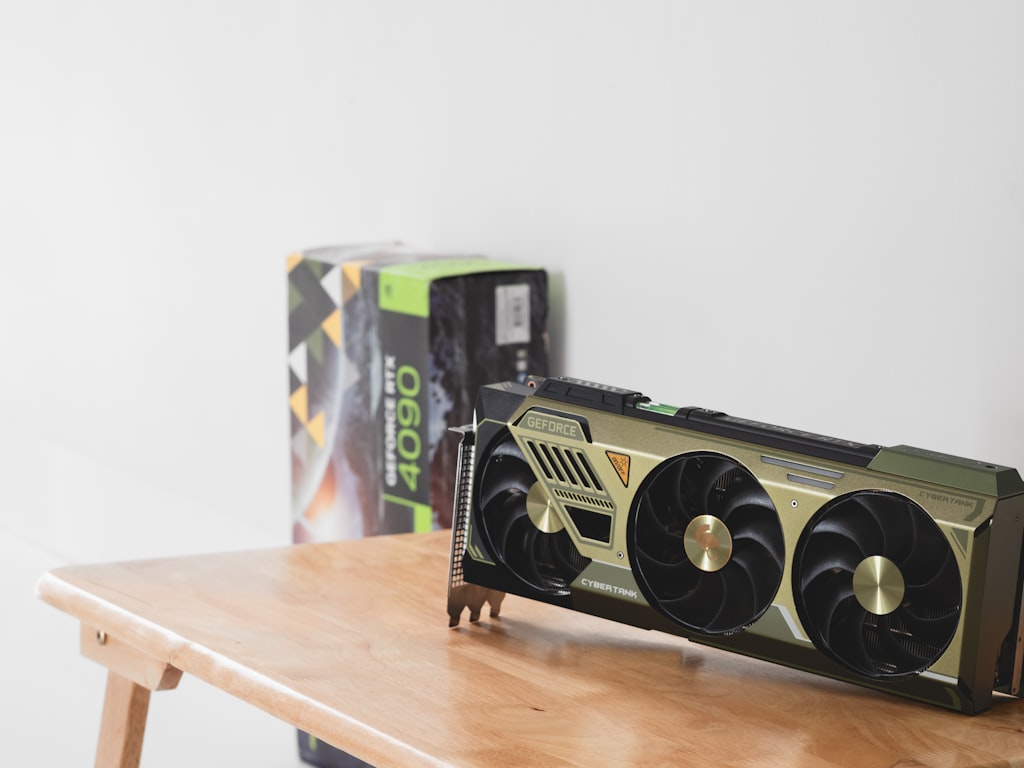
Why VRAM matters more than raw GPU tier
For local video generation, VRAM decides whether your workflow runs at all. That matters more than gaming-tier branding, CUDA core bragging rights, or whether a card is “newer” on paper. Once you start pushing an open source ai video generation model, memory fills up fast from model weights, attention layers, frame buffers, and latent data. If the card runs out of VRAM, you are not just getting slower output—you are getting failed generations, aggressive offloading to system RAM, or settings compromises that wreck the point of running locally.
That is why the cheapest gpu ai video generation setup is rarely the lowest-priced card in the store. It is the lowest-priced card with enough memory headroom for your real use case. Research across budget AI discussions keeps pointing to the same pattern: “you need a lot of VRAM,” and “always aim for more VRAM.” Those are not exaggerated takes. They line up with what happens the minute you move from still images to clips with multiple frames and denoising steps.
The realistic entry point for local AI video in 2026
The practical shopping tiers in 2026 are simple. Treat 12GB as the minimum, 16GB as the affordable sweet spot, and 24GB as the serious local workflow tier. That framing comes up again and again in real-world recommendations. A user running 12GB VRAM with 32GB system RAM said it was “enough for a lot of things,” but “definitely not” enough for high-quality videos locally. That is a useful reality check: 12GB is workable, but not comfortable.
If you are shopping based on gaming logic, 8GB cards can look tempting because they are cheap and common. For AI video, they are usually poor value. You save money up front, then lose it in failed jobs, tiny frame counts, low resolutions, and the need to upgrade again sooner. An 8GB card may still be fine for basic image generation, UI testing, or light inference on smaller models, but serious text-to-video or image-to-video work will hit the wall fast.
The next thing to keep in mind is speed expectations. Even midrange cards are not magically fast at video workloads. One user who tried RTX 4070 class hardware for AI video expected better results and still reported it could take several hours to denoise and render. That is normal. A midrange GPU with enough VRAM can be useful, but it does not turn local generation into instant output.
So if you want a purchase that actually holds up, prioritize VRAM first, then driver support and software compatibility, and only then raw gaming performance. That is the baseline that makes a GPU worth buying for local video work in 2026.
Cheapest GPU AI Video Generation Tiers: Best Budget Picks by VRAM
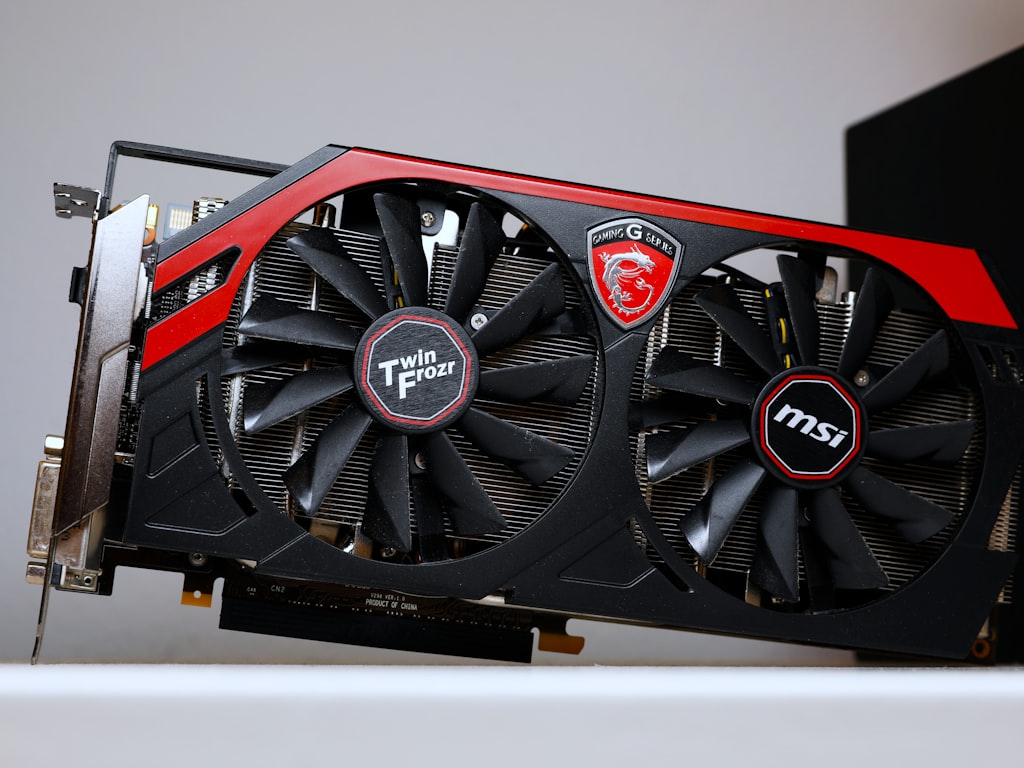
Best 12GB options
If your budget is tight and you mainly want to test models, learn ComfyUI-style workflows, or generate short clips at modest settings, RTX 3060 12GB remains one of the safest entry cards. It keeps showing up in budget AI discussions for a reason: 12GB is enough to get started with local generation, and NVIDIA compatibility is still the least painful route for many open source toolchains. For somebody who wants to run an image to video open source model, experiment with short frame sequences, and avoid the dead-end of 8GB, the 3060 is still practical.
The RX 6700 XT also comes up in broader budget AI lists, and its 12GB VRAM makes it more interesting than many cheap low-memory cards. The catch is software support. For local AI video, AMD can work, but the path is usually less predictable than NVIDIA when you are trying different repos, nodes, and model loaders. If your priority is smooth setup rather than pure hardware value, the 3060 stays easier to recommend.
Cards like the GTX 1660 Ti and RTX 3050 belong in this tier only as “lighter AI work” mentions, not serious AI video recommendations. They can still be useful for learning interfaces, running smaller image models, and testing toy workflows. For actual local video generation, they age badly because the memory ceiling is the real problem.
Best 16GB options
For affordable practicality, RTX 4060 16GB or RTX 5060 16GB class cards are where things get much more usable. One of the clearest recommendations from budget AI video discussion was that “4060/5060 16GB are the most affordable.” That lines up with the sweet spot many builders are settling on: enough VRAM to avoid constant out-of-memory failures, without paying full workstation pricing.
This is the tier for people who want more than testing. If you plan to run a modern open source transformer video model, try short text-to-video runs, or work with image-conditioned clips at higher consistency, 16GB feels dramatically less cramped than 12GB. You still need realistic expectations on generation time, but the workflow becomes less fragile. Instead of stripping every setting down to survive, you can usually keep enough quality to make local video worth it.
Best 24GB options if you can stretch the budget
If you can stretch, a used RTX 3090 24GB is still one of the smartest value moves in 2026. This is where used high-VRAM cards beat newer low-VRAM cards by a wide margin for local video work. A new 8GB or 12GB card may look cleaner and more power-efficient, but a used 3090 gives you room to run larger models, longer clips, and heavier workflows without constantly negotiating with memory limits.
The 24GB tier is where higher-quality local generation starts to make sense instead of feeling like a series of workarounds. If you want to push a more demanding open source ai video generation model, use larger frame counts, or keep more flexibility in denoising and resolution choices, 24GB changes the experience. Many modern models are already being described as needing 24–32GB, so buying into 24GB now is also a way to avoid aging out immediately.
For pure value, this is the strongest argument in the whole market: a used flagship with lots of VRAM can be a better AI video purchase than a shiny new mainstream card with less memory.
How to Choose the Cheapest GPU for AI Video Generation Based on Your Workflow
Text-to-video vs image-to-video needs
Your workflow should decide your GPU, not the other way around. If you mostly want to test prompts, learn node graphs, and generate quick proof-of-concept clips, a 12GB card can still get you moving. That is especially true for lighter image to video open source model setups, where you start from a source image and guide shorter motion rather than asking the system to invent everything from scratch. Image-to-video often gives you more control and can be less punishing than full text-to-video generation.
Text-to-video is where memory pressure ramps up quickly. You are often juggling larger model components, more temporal coherence demands, and heavier denoising. If your goal is to run ai video model locally for repeated text-to-video attempts instead of occasional tests, shopping at 16GB or 24GB is the smarter move.
For people exploring named repos and newer stacks—whether that is a broad open source transformer video model setup or something more niche like a happyhorse 1.0 ai video generation model open source transformer workflow—the same rule applies: check memory expectations first. Some models technically load on lower VRAM with aggressive optimization, but that does not mean they are pleasant to use.
When 12GB is enough and when it is not
A good baseline from the research is the report that 12GB VRAM with 32GB system RAM is “enough for a lot of things,” but not for creating high-quality videos locally. That tells you exactly where 12GB belongs. It is enough for testing, short clips, lower resolutions, lighter model variants, and learning local pipelines. It is not enough if your goal is comfortable high-quality output with minimal compromise.
Choose 12GB if you are doing any of these:
- learning local tools for the first time
- generating very short clips
- focusing more on images than video
- using lighter model variants or quantized builds
- treating local generation as an experiment, not a core workflow
Skip straight to 16GB if you know you want:
- repeatable image-to-video work
- short but decent-quality local renders
- room for newer model releases
- fewer failed generations and less constant tweaking
Jump to 24GB if you plan on:
- longer local renders
- more demanding open source ai video generation model releases
- less compromise on settings
- keeping the card useful for longer as memory demands rise
If you expect a cheap card to “work around” low VRAM forever, you will spend more time fighting settings than creating clips. The cheapest gpu ai video generation purchase is the one that matches your workflow from day one.
Used vs New: Where to Find the Cheapest GPU AI Video Generation Value
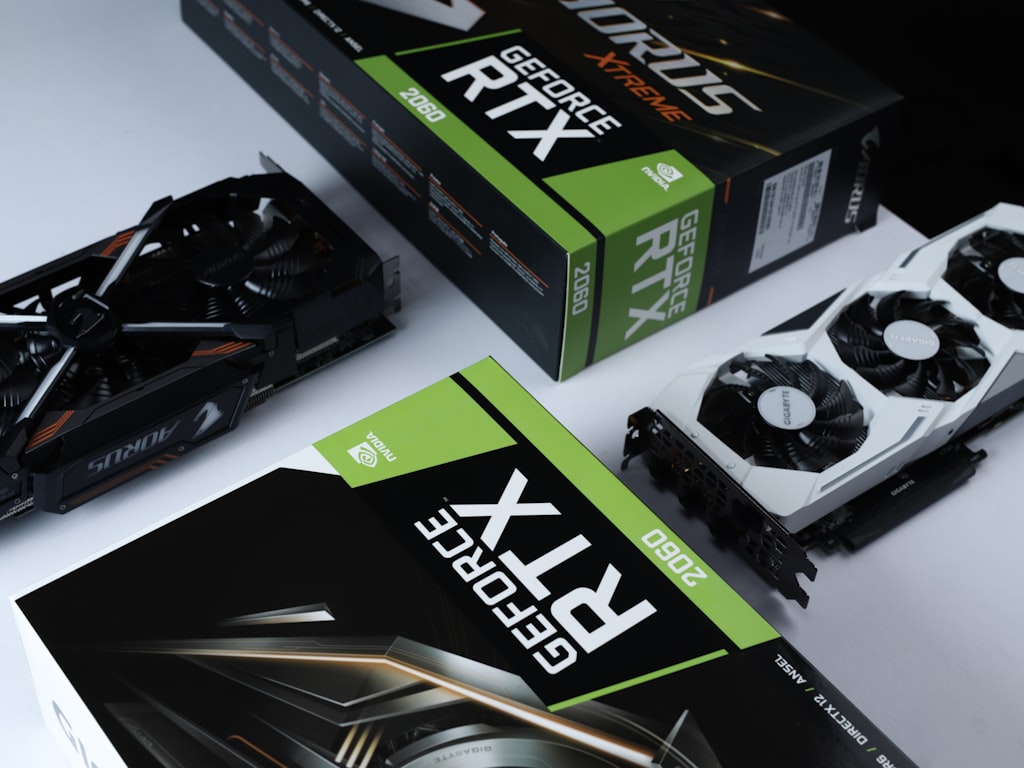
Why used RTX 3090 cards stay relevant
The used RTX 3090 keeps showing up in smart local AI builds because its 24GB VRAM is still hard to beat for the money. For gaming, it might look like old flagship hardware. For AI video, it still solves the exact problem that newer mainstream cards often do not: memory capacity. If your choice is a fresh low-VRAM card or an older 24GB card with proven compatibility, the 3090 often wins on practical output.
That matters even more in 2026 because model requirements are not moving downward. Research notes point out that many modern models already use 24–32GB. So when you buy a 3090, you are not just buying raw horsepower—you are buying breathing room for the next wave of local tools. That is why used high-VRAM cards can outperform newer low-VRAM cards for AI video value. They age better in this specific job.
A lot of buyers make the mistake of comparing a used 3090 to a new 8GB or 12GB card only by efficiency, warranty, or gaming benchmarks. For local generation, the better comparison is: which card lets you complete the workloads you actually care about? In that comparison, 24GB still punches far above its age.
What to inspect before buying a used high-VRAM GPU
If you go used, inspect like a builder, not like a casual shopper. First, verify temperatures under load. On the 3090 specifically, you want to watch VRAM thermals under the backplate, because memory heat has been a recurring concern on older units. If the seller can provide screenshots or logs from stress testing, that is a strong positive sign.
Second, listen for fan noise and check whether the card ramps smoothly. Grinding fans, unstable fan curves, or sudden thermal spikes can mean extra repair costs. Third, stress-test stability with a sustained load rather than a quick boot screenshot. You want to know the card can hold clocks and memory without artifacting or crashing.
Fourth, inspect the card’s maintenance history. Older 3090s may need fresh pads or thermal work. Research around used 3090 ownership specifically mentions thermal management products like Tpm7950 and upsiren, which tells you how seriously owners take memory cooling on these cards. Even if you do not plan a full rebuild immediately, you should assume cooling condition matters.
Finally, confirm seller history. Buy from someone with traceable feedback, clear photos, and a believable use story. A mined card is not automatically bad, but a card with unknown thermals and no testing is a gamble.
When you compare value honestly, a healthy used 24GB GPU can be a better long-term buy than a brand-new low-memory card that may age out of local video models quickly.
How to Run AI Video Models Locally on a Cheap GPU Without Hitting VRAM Limits
Use quantized models to fit more workloads
If you are trying to stretch a budget card, quantization is one of the best tools available. A particularly useful tip from budget AI discussion is to use q5 quantized models, with the advice that “you won’t lose much.” That is exactly the kind of trade you want on a 12GB or 16GB card: slightly reduced precision in exchange for fitting the model and actually completing the render.
This matters for anyone building around an open source transformer video model or experimenting with an open source ai video generation model that is right on the edge of available VRAM. Quantized variants can turn a failed setup into a usable one. They are not magic, but they are often the difference between “loads and runs” and “out of memory on frame 1.”
You should also pay attention to licensing while picking models. Some repos are great for testing but restrictive for monetized work, so always check the open source ai model license commercial use terms before you build a pipeline around one model.
Settings that lower memory pressure first
When VRAM is tight, reduce the settings that multiply memory use fastest. Start with shorter clips. Cutting duration is often the cleanest way to make a generation fit. Next, lower resolution before chasing every other tweak. Then reduce frame count or use a staged workflow where you render in segments and stitch later.
Another practical move is staged rendering: generate lower-cost previews first, lock in motion or composition, then rerun only the promising shots with better settings. This saves time and memory compared with pushing every draft at full quality. You can also switch to lighter model variants when available, especially if your goal is iteration rather than final export.
For anyone trying to run ai video model locally on 12GB hardware, system balance matters too. The research note about 12GB VRAM with 32GB system RAM being enough for many tasks is worth taking seriously. System RAM does not replace VRAM, but having enough helps with offloading, caching, and keeping the rest of the workflow stable.
Optimization can absolutely make a cheaper card usable. It can help you test clips, run lighter image-to-video jobs, and learn the current ecosystem without overspending. But it cannot fully replace missing VRAM. If your target model consistently wants more memory, no amount of trimming will make a cramped card feel like a roomy one.
Best Cheapest GPU AI Video Generation Buying Recommendations for 2026
Best pick under the true budget tier
For the lowest-cost entry that still makes sense, RTX 3060 12GB is the best ultra-budget experimenter option. It is the card to buy if you want to learn local workflows, test a few models, run short image-to-video clips, and avoid the trap of 8GB. It is not the card for comfortable high-quality local rendering, but it is still one of the few genuinely cheap options that can do real work. If your plan is modest clips, quantized models, and careful settings, it earns its place.
Cards like GTX 1660 Ti and RTX 3050 sit below that line for serious video work. They are fine for lighter AI tasks, interface testing, and some image generation, but they are weak recommendations if local video is the actual goal. The same goes for buying a random cheap 8GB gaming card just because the price looks attractive.
Best value sweet spot
For most people, the strongest mainstream recommendation is a 16GB RTX 4060/5060-class card. This is the tier where affordable practicality begins. The research signal here is unusually clear: 4060/5060 16GB are the most affordable meaningful options for video generation. If you want the best balance of price, compatibility, and daily usability, this is where you should aim.
This is the sweet spot for anyone searching cheapest gpu ai video generation and actually wanting a card that will still feel workable after the first week. A 16GB card gives you more freedom with text-to-video tests, better headroom for image-conditioned workflows, and less frustration when trying newer releases. It is not luxury hardware, but it is the tier I would call “buy once, use immediately.”
Best stretch option for local open source video models
If you can spend more or shop carefully on the used market, used RTX 3090 24GB remains the best stretch recommendation. It is still the strongest budget-high-VRAM move for local open source video models in 2026. If your priority is running heavier tools with fewer compromises, 24GB is the level where local generation starts feeling practical instead of constantly negotiated.
There are also newer alternatives worth watching. Intel Arc Pro B65 and B70 have entered the 2026 budget-AI conversation, and there is even a 32GB under-$1000 option in the market now. The catch is that this kind of card is not exactly a budget card per se, and Intel software support still needs to make sense for your exact stack before it becomes an easy recommendation.
The simple decision framework is this:
- buy 12GB only for limited workflows and testing
- aim for 16GB for affordable practical use
- choose 24GB for the least compromise and longer relevance
If your work is growing toward heavier open source video pipelines, the most future-proof budget logic is still more VRAM over shinier branding. That remains the core of the cheapest gpu ai video generation decision in 2026.
Conclusion

The best budget move for local video generation is not chasing the cheapest card on the shelf. It is buying the most usable VRAM you can afford right now. In 2026, that usually means 12GB only if you are testing, 16GB if you want a realistic affordable setup, and 24GB if you want local video models to feel genuinely workable.
That is why the smartest cheapest gpu ai video generation build is often a modest 16GB NVIDIA card or a carefully checked used RTX 3090, not a bargain-bin 8GB GPU. VRAM determines whether your model loads, whether your clip finishes, and whether next year’s tools still fit. If the card has enough memory to run the workflows you actually care about, it is cheap in the way that matters. If it does not, it is just a delayed upgrade.