 HappyHorse Model
Chinese AI Video Models: Kling, Seedance, WAN, and Beyond
Chinese AI video generation models are no longer niche alternatives—they are becoming practical options for creators who want realistic motion, strong prompt control, and cinematic output without relying only on U.S. platforms.
Chinese AI Video Generation Models in 2026: What Matters Most
The fastest way to compare Kling, Seedance, WAN, and Hunyuan Video
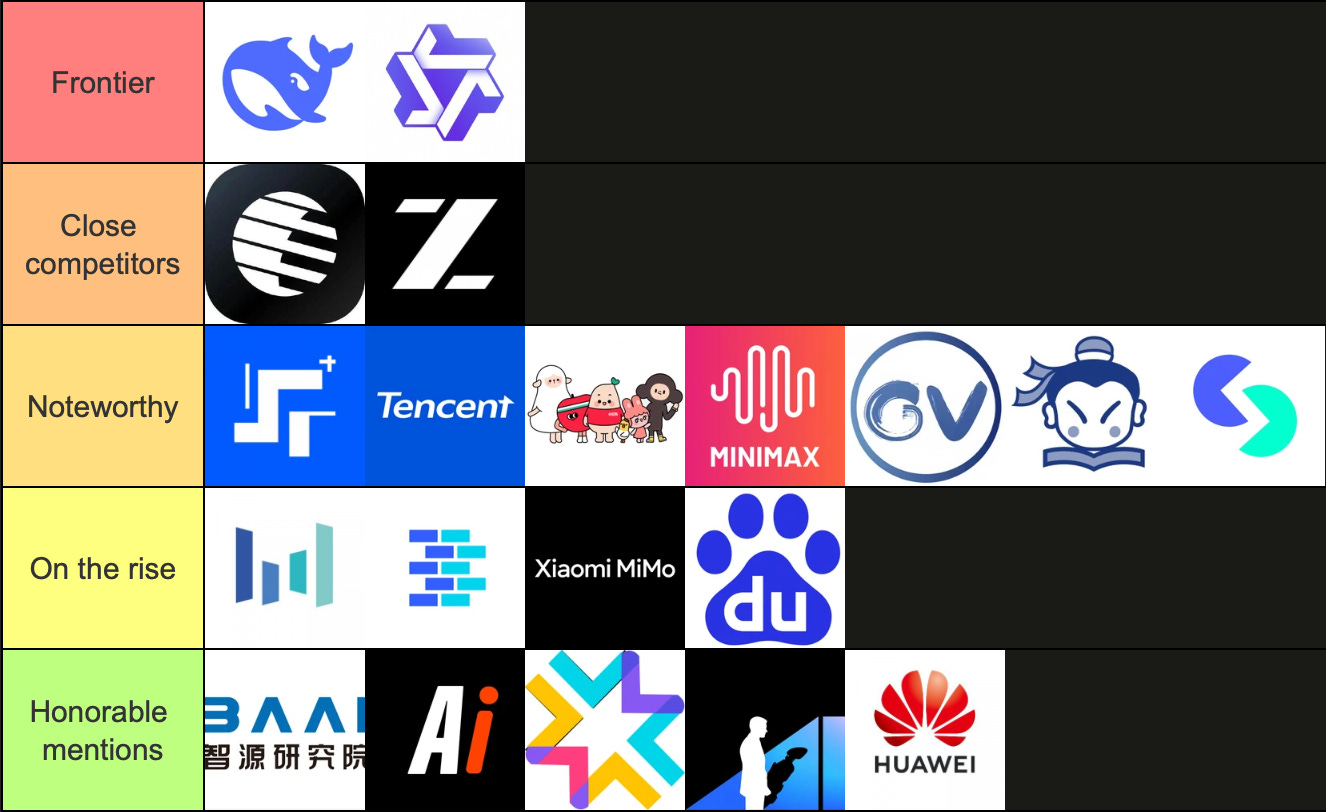
If you want the short version before spending credits, here’s the clean read: Kling is still the safest benchmark for realistic humans and dependable motion, Seedance 2.0 is the breakout name for cinematic polish and Sora-level buzz, WAN shows up in serious side-by-side tests focused on physics and motion logic, and Tencent Hunyuan Video belongs on the shortlist when you want broader style range, especially cinematic or real-to-virtual looks.
That framing is grounded in actual comparisons, not hype. Kling keeps appearing as the reference point in review videos and ranking tests, especially around realism, motion continuity, and prompt-following. One 2026 comparison described Kling 3.0 this way: “Motion quality is solid. Walking, talking, gesturing. The basics are handled well.” Another ranked Kling as “best-in-class for generating realistic human faces and movements,” with strong lip-sync. Seedance 2.0, meanwhile, got mainstream attention from CNET for “wowing early users,” with early perception that its output can match OpenAI’s Sora 2. WAN earns its place because it is already appearing in head-to-head tests with Kling and Seedance around physics, motion, and logic. Hunyuan Video is positioned by Tencent as a “breakthrough video generation model” with cinematic quality and the ability to switch between real and virtual styles.
The five criteria readers should use before picking a model
The easiest mistake is picking a model by demo reel instead of by task. For practical testing, use five buckets.
First, check realism and motion quality together. A beautiful frame means little if the walk cycle breaks, hands melt, or subject posture drifts after two seconds. Kling consistently earns points here for human movement and continuity.
Second, test camera control and prompt-following. Seedance comparisons are already being framed around camera movement, realism, image-to-video quality, motion control, and overall output. If your shot depends on a dolly-in, orbit, or timed subject action, this matters more than raw prettiness.
Third, verify lip-sync and face behavior. If you create talking-head ads, spokesperson clips, or lifestyle product videos with dialogue, Kling’s reputation for realistic faces and lip-sync makes it a practical first test.
Fourth, judge image-to-video performance separately from text-to-video. Some tools look great from text prompts but weaken when you try to animate a reference frame or product still. If your workflow starts from a hero image, test that directly.
Fifth, factor in availability and workflow fit. Seedance 2.0 looks extremely promising, but one source clearly noted it is “not out for everyone yet.” That alone can decide your shortlist faster than any benchmark.
Use case should drive the final pick. Social ads need dependable faces and readable gestures. Talking-head clips need lip-sync and stable identity. Cinematic scenes need camera style and aesthetic finish. Action shots need motion logic. Experimental short-form can tolerate more weirdness if the visual payoff is high. The fastest framework is simple: shortlist one realism-first model, one polish-first model, and one wildcard—then run the same prompt before committing budget.
Kling: When to Use This Chinese AI Video Generation Model
Where Kling performs best: realistic humans, gestures, and lip-sync
Kling is the model I reach for when the shot has to look believable first and clever second. Its strongest pattern across tests is realistic people: faces that hold up under motion, body language that reads naturally, and basic actions that don’t fall apart the moment a subject starts walking or talking. That matches the strongest research notes exactly. One comparison called Kling “best-in-class for generating realistic human faces and movements” and specifically praised lip-sync. Another said Kling 3.0 “mostly nails” motion basics like walking, talking, and gesturing.
That matters because so much paid work lives in those basics. If you are generating a founder-style talking clip, a spokesperson scene for a landing page, a creator-style product mention, or a lifestyle ad with people interacting naturally, you do not need the wildest camera move on the internet. You need a face that stays coherent, hands that don’t collapse, and motion that looks intentionally directed. Kling has become a benchmark in comparisons against Seedance, Sora, and other top tools for exactly that reason: it gives creators a reliable standard for realism and continuity.
A good practical use case is product video with people in frame. Prompt a subject holding a bottle, turning toward camera, smiling, and speaking one sentence while ambient daylight comes through a kitchen window. Kling is well suited to that kind of shot because the value is in believable human behavior, not extreme action choreography. It also fits straightforward cinematic setups—medium shot, slow push-in, controlled gesture, soft background movement—where consistency beats spectacle.
How to prompt Kling for better text-to-video results
Kling rewards clear direction. That is not theory; RunDiffusion’s Kling guide specifically emphasizes writing clearer motion and scene-direction prompts to improve text-to-video output. The easiest upgrade is to stop writing aesthetic adjectives alone and start writing shot instructions.
Instead of: “beautiful woman in a cafe, cinematic, realistic,” use: “Medium close-up of a woman seated in a sunlit cafe, she looks up from a coffee cup, smiles softly, then turns slightly toward camera and speaks one short line; subtle handheld camera drift, shallow depth of field, natural morning light, realistic facial motion, accurate lip-sync.”
That prompt works better because it specifies subject action, timing, camera behavior, and visual environment. For Kling, include four ingredients whenever possible: shot type, subject movement, camera movement, and pacing. “Full-body tracking shot,” “walks toward camera,” “slow dolly backward,” and “over 5 seconds” will usually outperform vague mood language.
If a generation feels stiff, add micro-actions: blinking, slight head turn, hand gesture, weight shift, fabric movement. If motion gets chaotic, reduce competing actions and lock the camera. If the face degrades, shorten the shot and simplify expression changes. For ad-style clips, keep one primary action per beat: pick up product, turn, smile, speak. For cinematic realism, specify environmental motion too: “curtains moving lightly,” “soft wind in hair,” “traffic bokeh in background.”
Kling is a strong fit for creator videos, lifestyle ads, spokesperson scenes, product demos with people, and clean cinematic shots where you care about realism, lip-sync, and stable motion more than flashy experimentation. Among chinese ai video generation models, it remains one of the easiest to justify when the brief is commercial and human-centered.
Seedance 2.0 vs Kling: Which Chinese AI Video Generation Model Is Better for Your Project?
Where Seedance 2.0 stands out in early tests
Seedance 2.0 has the kind of early momentum that usually means one thing: creators are seeing outputs that look expensive. CNET reported that ByteDance’s tool is “grabbing attention” and “wowing early users,” with early perception that its videos match Sora 2 in quality. That is a strong comparison to be making this early, and it explains why Seedance keeps getting pulled into top-tier discussions instead of being treated like just another regional release.
What stands out from demos and comparison chatter is visual polish. Seedance is associated with dynamic scenes, aesthetic framing, camera movement, and attention-grabbing action-heavy examples. The research notes mention “insane fight scenes,” lip-sync capabilities, and “extremely aesthetic” results in user testing videos. That combination makes it especially attractive if your brief depends on energy, style, or a stronger sense of cinematic design right out of the box.
The comparison framing matters too. One direct “Seedance 2.0 vs Kling 3.0” video focuses on camera movement, realism, image-to-video results, motion control, and overall video quality. That tells you exactly where creators are trying to separate them. Seedance is not getting buzz just for isolated pretty frames. It is being judged on the harder stuff that determines whether a model can carry actual project work.
A practical Kling vs Seedance checklist for creators
The tradeoff is access. A source in the research says plainly that “Seedance 2.0 is not out for everyone yet.” So even if you prefer its look, practical adoption depends on rollout, waitlists, region access, and whether you can actually get enough generations through it to build a repeatable workflow.
Here’s the useful split.
Choose Kling first if your project needs realistic people, stable gestures, talking shots, lifestyle ads, or product scenes with believable human interaction. Kling has stronger support in current evidence for basics done well: walking, talking, gesturing, lip-sync, and facial realism. If the output needs to survive client scrutiny on a close-up, Kling is the safer starting point.
Consider Seedance first if your project needs cinematic polish, dynamic movement, more dramatic camera behavior, or action-heavy sequences where style matters as much as realism. If you are generating a teaser, fashion-like promo, music-visual style clip, stylized combat beat, or moody narrative sequence, Seedance looks like the more exciting test when access is available.
For fast comparisons, use the same prompt in both tools and score them on five things: face stability, motion logic, camera execution, adherence to action order, and finish quality. For example: “A boxer steps into frame, wraps hands, exhales, shadowboxes three punches, camera orbits slowly from left to right, dramatic gym lighting, realistic sweat and fabric motion.” Kling may win on physical coherence and face consistency; Seedance may win on dramatic presentation and overall vibe. That is the exact kind of decision point that matters in production.
If you work mostly from stills, add an image-to-video test before choosing. Seedance comparisons already emphasize image-to-video as a key category, so do not assume text-to-video results tell the whole story. Run one portrait still, one product still, and one wide scene still. Compare identity preservation, camera invention, and artifact rate.
For most creators, the simplest answer is not “which one is better?” but “which one is better for this shot?” Kling is the dependable realism-first pick. Seedance is the high-upside cinematic pick. In chinese ai video generation models right now, that is the most actionable split.
WAN, Hunyuan Video, and Other Chinese AI Video Generation Models to Watch
What we can say about WAN from current comparisons
WAN deserves attention because it is already showing up where serious tools get tested: side-by-side against Kling and Seedance. One comparison referenced “Kling 2.6 vs Wan 2.6 vs Seedance 1.5 Pro” and evaluated them around physics, motion, and logic. That alone makes WAN worth real testing, because those are not vanity metrics. Physics and logic determine whether an action sequence reads as intentional or synthetic.
The important thing is to stay precise. The current research supports saying WAN is part of the contender set. It does not support declaring WAN clearly superior to Kling or Seedance. There is a huge difference between “appears in meaningful comparisons” and “wins the category.” Until there are more consistent public tests, the right move is to treat WAN as a viable alternative, not a proven replacement.
How to evaluate lesser-known models without overcommitting
Hunyuan Video belongs in the same conversation for a different reason. Tencent positions it as a “breakthrough video generation model” with cinematic quality and the ability to switch between real and virtual styles. That real-versus-virtual flexibility is useful if your projects move between photoreal promos, stylized sequences, and hybrid looks. If you have been bouncing between realism-first and stylization-first tools, Hunyuan is worth monitoring because it may reduce that split.
For any lesser-known model, use a controlled testing method instead of chasing clips on social feeds. Run the exact same prompt across tools. Keep duration, aspect ratio, and reference image constant. Then score four things: subject consistency, camera movement execution, prompt adherence, and artifact rate. Subject consistency answers whether the person or object stays recognizable. Camera movement execution shows whether a pan, push-in, or orbit actually happens cleanly. Prompt adherence checks if action order follows your direction. Artifact rate catches hand issues, face warping, texture flicker, and background nonsense.
Start with three prompt types: one talking human, one object or product shot, and one action scene. If a model only wins in one category, that still tells you where it fits. This is the fastest way to sort chinese ai video generation models without burning weeks on theory or burning all your credits on impressive-but-random generations.
How to Choose the Right Chinese AI Video Generation Model for Ads, Social Clips, and Film-Style Scenes
Best model picks by use case
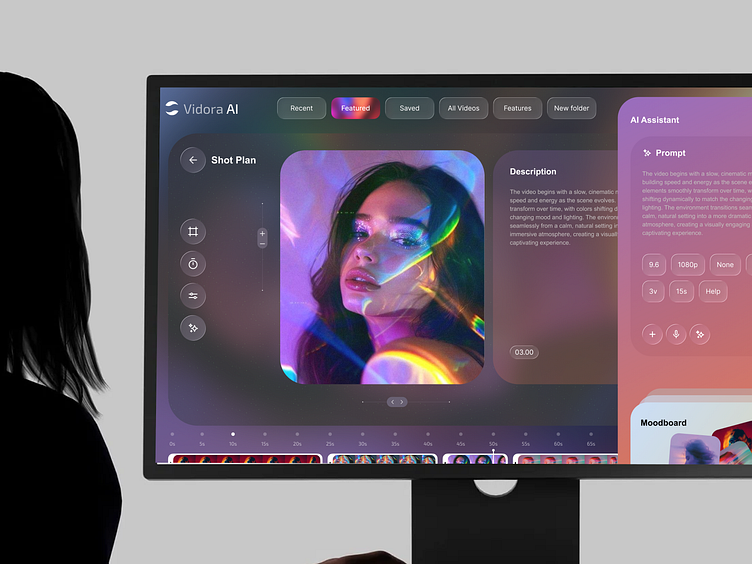
The best model depends on the job, not the leaderboard. For talking-head marketing videos, founder intros, spokesperson clips, and social ads with a person on camera, Kling is the safest first pick. The reason is straightforward: research-backed strength in realistic human faces, natural motion, and lip-sync. If your deliverable looks like “person talks to camera while holding product,” Kling maps neatly to the task.
For cinematic promo sequences, fashion-style edits, dramatic product teasers, and stylized narrative moments, Seedance 2.0 is the more interesting option. The early buzz around Sora-level quality, paired with reports of strong visual polish, dynamic scenes, and notable camera movement, makes it better aligned with “make it feel expensive” briefs.
For action scenes or shots where physical logic matters, WAN is worth testing side by side. Because current comparisons place WAN in conversations about physics, motion, and logic, it makes sense to run it whenever your shot includes impact, directional movement, or object interaction that often breaks in weaker models.
For image-to-video animation, do not assume your favorite text-to-video model will also be your best image animator. Run a portrait still, a product still, and a landscape still through Kling and Seedance if available, then check for identity drift, camera smoothness, and whether the tool adds motion that actually serves the composition.
For short social content, speed and repeatability matter as much as quality. If one model is slightly prettier but takes longer to access, costs more, or has limited rollout, the “better” tool may still be the wrong workflow.
A simple workflow to avoid wasting credits
Start every test with a short prompt, not a masterpiece prompt. Use one subject, one action, one camera instruction, and one lighting cue. For example: “Young man in a denim jacket speaks to camera and points to a sneaker on a table, slow push-in, soft studio light.” Generate multiple seeds before adding complexity. This shows whether the model can handle the foundation.
If your project uses a reference image, begin with a single image only. Too many inputs too early make it harder to see which model actually preserves identity well. After that, test three seeds per prompt and compare them before upscaling, extending, or inpainting anything.
Keep a scorecard. Rate realism, motion continuity, prompt adherence, camera accuracy, and artifact rate from 1 to 5. You will spot patterns fast. Kling often scores steadily on realistic human scenes. Seedance may spike higher on aesthetic impact. WAN may surprise you on logic-heavy motion. Once one generation clearly wins, then spend credits on extension, upscaling, or alternate takes.
Also factor in availability. Seedance may be more limited in rollout. Some models may have regional restrictions, waitlists, or pricing that makes high-volume production impractical. The strongest workflow is not the model with the best single demo—it is the one you can access consistently, afford predictably, and trust across repeated prompts.
Open Source Chinese AI Video Generation Models and Local Workflows: What to Look For
How open source video models fit into the Chinese AI video landscape
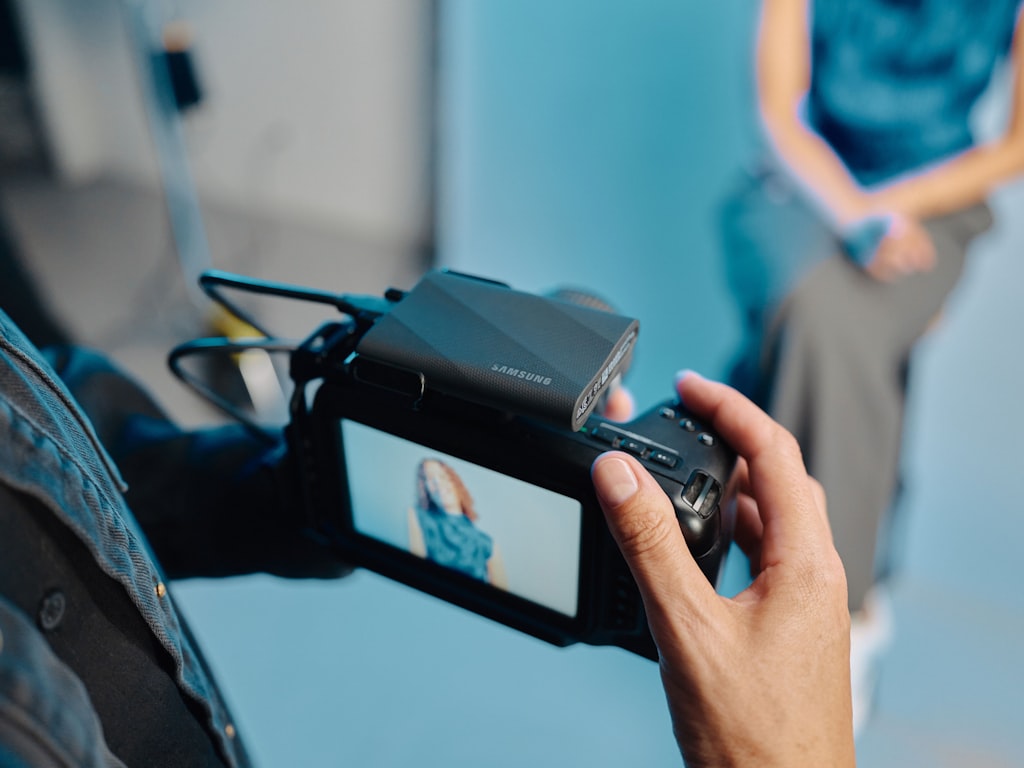
If you are comparing proprietary tools like Kling, Seedance, WAN, and Hunyuan, it is natural to also look for an open source ai video generation model that gives you more control. That usually comes from one of three needs: lower long-term cost, local privacy, or the ability to customize and automate beyond a hosted interface. The tradeoff is setup time, hardware requirements, and more responsibility for your own quality control.
The useful distinction is cloud-first creator tools versus self-hosted systems. Cloud tools are faster to start with and usually have cleaner UX, stronger defaults, and easier experimentation. Open or local alternatives can be better when you need custom pipelines, API freedom, queue control, or internal-only use. If you want to run ai video model locally, plan around VRAM, storage, inference speed, and the exact task type—text-to-video, image-to-video, or video editing.
Search intent around open models is getting more specific too. Many creators are no longer just looking for “open source.” They are searching for an image to video open source model, an open source transformer video model, or niche phrases like happyhorse 1.0 ai video generation model open source transformer. Those searches usually point to the same practical question: can this model be deployed reliably enough to replace a paid platform for part of the workflow?
Key checks before using an open source model commercially or locally
Start with licensing. Before adopting any open source ai model license commercial use terms, check whether commercial deployment is actually permitted, whether attribution is required, and whether there are restrictions around weights, derivatives, or serving the model through your own product. “Open” does not always mean unrestricted.
Next, verify hardware realism. Some open source transformer video model setups look accessible on paper but become painful in practice once you account for VRAM needs, generation time, and storage for checkpoints and outputs. If you plan to run ai video model locally on a single workstation, benchmark short clips first. A model that takes too long for iteration can kill your workflow even if the output quality is decent.
Then confirm modality support. Some tools are stronger as a text-to-video system, others work better as an image to video open source model, and some are better treated as components inside a larger pipeline. If your actual job is animating product stills, an open model that only shines on text prompts may not help.
Also separate research appeal from production readiness. A model with exciting papers, transformer architecture details, or great cherry-picked examples still needs testing for identity consistency, camera obedience, artifact rate, and repeatability. Closed platforms often win on convenience and polished tuning; self-hosted tools can win on control and cost only if you can tolerate setup and maintenance.
The most practical shortlist is a split setup. Keep cloud-first tools like Kling or Seedance for fast commercial output and high-quality human scenes. Track open alternatives for local experiments, automation, privacy-sensitive jobs, or workflows where you want deeper control over prompting and generation parameters. That way you get the speed of proprietary systems and the flexibility of open infrastructure without forcing one tool to do everything.
Conclusion

The smart way to approach this space is shot-first, not brand-first. If you need realistic humans, stable gestures, talking scenes, and dependable lip-sync, Kling is still the most actionable place to start. It keeps earning benchmark status because it handles the basics that real projects depend on: faces, movement, continuity, and promptable scene direction.
If your priority is cinematic polish, dynamic camera energy, and more visually dramatic output, Seedance 2.0 is the model to watch closely—and to use whenever access allows. The early reaction around Sora-level quality is not random; it is tied to visible strengths in aesthetic finish, action-heavy demos, and strong presentation.
WAN is the right next test when physics, motion logic, or side-by-side comparisons matter. Hunyuan Video is worth monitoring if you want cinematic quality with flexibility between real and stylized output. And if you want control beyond hosted platforms, open-source and local workflows can be valuable—as long as you check license terms, hardware demands, and actual production fit before committing.
The easiest path is to shortlist one realism-first tool, one cinematic-first tool, and one experimental alternative. For most projects, that means Kling, Seedance, and then WAN or an open model depending on your workflow. Run the same prompt, compare the same criteria, and let the footage make the decision.