 HappyHorse Model
H100 vs A100 for AI Video Generation: Performance Comparison
If you’re choosing GPU hardware for AI video generation, the real question is not just which card is faster, but which one gives you the best throughput, memory headroom, and cost per finished video job.
H100 vs A100 AI Video Generation: Quick Answer and Best Use Cases
When people compare GPUs for video models, they often stop at top-line benchmarks. That misses what actually matters when you’re rendering clips, batching prompts, finetuning adapters, or trying to keep a generation service responsive: how fast jobs finish, how much VRAM margin you have, and whether the cheaper hourly option is really cheaper by the time the run completes. For most serious h100 vs a100 ai video generation decisions, the newer H100 wins on raw speed and long-term scalability, while the A100 still earns its place as the practical value choice.
When H100 is the better choice
H100 is usually the stronger pick when you’re running high-throughput inference, training larger video models, or pushing production pipelines where turnaround time matters. The core hardware difference sets the tone here: A100 is built on NVIDIA’s Ampere architecture, while H100 uses the newer Hopper architecture on a 5nm process. That architectural jump is why H100 is regularly reported at around 1.5x to 2x faster than A100 for inference-heavy AI workloads, with training gains often landing around 2x to 4x depending on model type and setup.
For video generation, that translates into shorter text-to-video render times, faster image-to-video passes, quicker LoRA or adapter finetunes, and more total jobs completed per day on the same rack footprint. If you’re serving an open source ai video generation model in production, those gains matter because every minute saved reduces queue buildup and infrastructure occupancy. H100 also makes more sense when model context, frame count, or multi-stage generation pushes memory use higher, because faster memory handling and stronger overall throughput reduce how often the GPU becomes the bottleneck.
When A100 still makes more sense
A100 still makes a lot of sense when the priority is dependable performance at a lower hourly price. It remains a strong accelerator for teams that can tolerate slower runtimes but want access to substantial VRAM and mature ecosystem support. If you’re prototyping, validating prompts, testing scheduler changes, or trying to run ai video model locally before moving workloads into heavier cloud deployment, A100 often lands in the sweet spot between cost and capability.
That matters for smaller studios, internal R&D teams, and anyone iterating on an image to video open source model where developer time is less expensive than premium GPU time. A100 is also a solid fit if your jobs are short, your batch sizes are modest, and your workflow doesn’t scale beyond one or two GPUs. The practical framing is simple: compare render speed, training time, VRAM headroom, scaling behavior, and total cost per completed job. On those terms, H100 is usually the better fit for production-scale AI video generation, while A100 remains the reliable lower-cost workhorse.
Performance Benchmarks: How Much Faster Is H100 vs A100 for AI Video Generation?
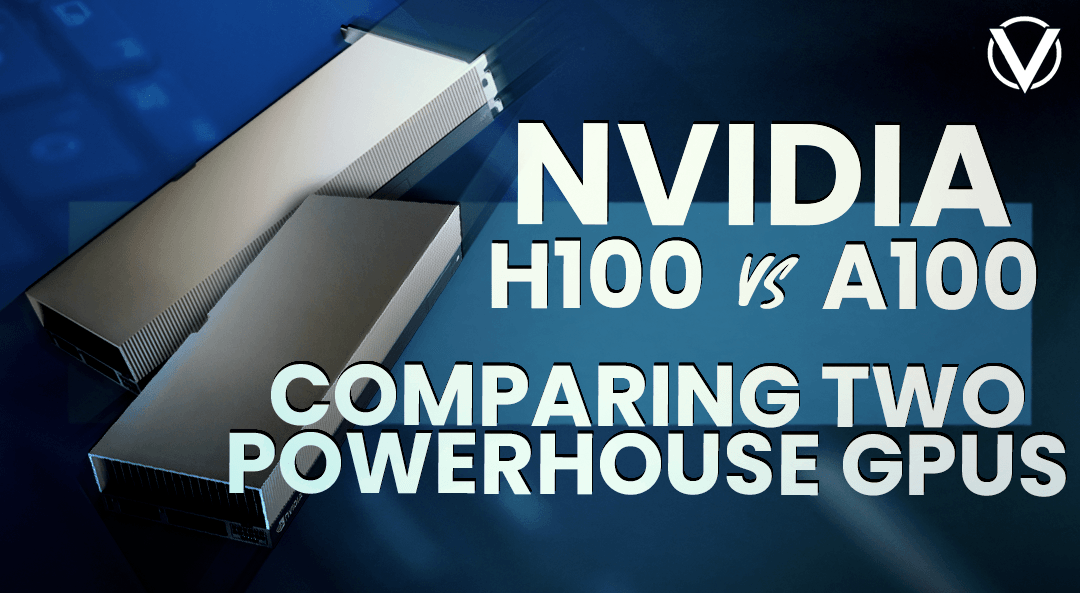
The performance gap between these GPUs is real, but the exact size depends heavily on what kind of video workload you’re running. A text-to-video pipeline with long sequences behaves differently from an image-to-video pipeline, and both behave differently from finetuning a transformer backbone. If you want a practical answer, the safest benchmark summary is this: H100 is commonly cited at around 1.5x to 2x faster than A100 for inference across AI workloads, while training gains often fall between 2x and 4x.
Inference speed differences
For inference, reported H100 gains over A100 usually land in the 1.5x to 2x range in broad AI benchmarks. You’ll also see dramatic claims such as “up to 30x faster inference,” but those are highly workload-specific and usually tied to narrow conditions, specialized precision paths, or particular model classes. For AI video generation, it’s smarter to assume a strong but not magical uplift.
What does 1.5x to 2x faster inference mean in practice? If an A100 takes 20 minutes to generate a batch of short clips from prompts using a diffusion-based text-to-video system, an H100 might cut that to roughly 10 to 13 minutes with the same optimization stack. If an image-to-video workflow needs 6 minutes per clip at your target frame count and resolution on A100, H100 may bring that closer to 3 to 4 minutes. Those savings compound fast when you’re rendering dozens or hundreds of outputs per day.
That is especially useful with pipelines that include multiple inference stages, such as prompt conditioning, latent generation, interpolation, frame refinement, and upscaling. Even if each stage gets only a moderate boost, the whole chain finishes much faster. For h100 vs a100 ai video generation, that often matters more than peak single-pass benchmark charts because actual jobs are usually pipelines, not isolated kernels.
Training speed differences
Training is where H100’s lead can become much more important. Research summaries commonly cite H100 at roughly 2x to 4x faster training than A100, with some comparisons pointing to around 2–3x faster LLM training and others citing 4x faster training in broader AI contexts. Video training and finetuning are not identical to LLM training, but the same compute-efficiency logic carries over when you’re training diffusion backbones, temporal modules, motion adapters, or transformer-based video blocks.
For example, if an A100 finetune on a video dataset takes 40 hours, a 2x speedup on H100 cuts that to about 20 hours. At 3x, you’re down to around 13 hours. That changes how quickly you can iterate on hyperparameters, dataset filtering, captioning strategies, or LoRA rank choices. If you’re tuning an open source transformer video model, those shorter cycles often save more money than the GPU rental difference alone.
Actual gains depend on several variables you can control: model architecture, precision mode, framework optimization, sequence length, frame count, attention implementation, and whether the workflow is mostly inference-heavy or training-heavy. Mixed precision and Hopper-specific optimizations can widen the gap. If your stack is poorly optimized, the advantage shrinks. So the useful rule is to benchmark your real job shape, not just the vendor headline.
VRAM and Memory Planning for H100 vs A100 AI Video Generation Workflows
If performance determines how fast a job finishes, VRAM determines whether the job fits at all without ugly compromises. For video generation, memory planning is usually the first hard constraint because frame sequences, latent tensors, and multi-stage pipelines can push usage up quickly. The good news is that both A100 and H100 sit well above the minimum thresholds for most practical workflows. The trick is understanding what your model actually needs before you overbuy or bottleneck yourself.
Minimum VRAM for inference
A useful baseline from the research is that many generative models need at least 12GB VRAM for basic inference, while training commonly starts around 16GB to 24GB or more. Stable Diffusion guidance makes this more concrete: SD 1.5 can run at a 4GB minimum, SDXL usually starts around 8GB to 12GB, and training-related tasks are far more comfortable at 24GB+. Those numbers are not video-specific, but they map well to the first stage of many video systems because a lot of video pipelines still inherit image-model components.
There’s also a practical lower-VRAM note from the research: some optimized Stable Video workflows can run under 10GB VRAM. That’s real, but it usually comes with tradeoffs. You may need lower resolution, fewer frames, smaller batch sizes, stronger quantization, offloading, or slower generation due to memory juggling. If you’re testing an image to video open source model for short clips at modest quality, these tricks are useful. If you’re trying to produce polished outputs reliably, they become limiting fast.
For short inference jobs, memory needs usually scale with resolution, frame count, batch size, and how many model stages stay resident on the card at once. If you’re generating quick social clips or proof-of-concept outputs, lower VRAM can work. If you want longer clips or higher resolutions without constant tuning, you want a lot more headroom.
Recommended VRAM for training and longer videos
Training and longer-video generation raise the stakes. Once you move into finetuning, LoRA training, higher frame counts, or multi-stage temporal pipelines, 24GB and above becomes the practical floor rather than a luxury. This is where A100 and H100 are both attractive, because they are built for serious memory demands rather than bare-minimum consumer setups.
A good mental model is to map VRAM needs to scenarios. Short clips with conservative settings can fit into modest memory if the model is optimized. Higher-resolution generations, longer sequences, or batch rendering need more headroom because activations and attention maps expand fast. LoRA training usually requires less than full finetuning, but it still benefits from substantial VRAM because it lets you keep useful batch sizes and avoid aggressive gradient checkpointing. Full finetuning of a larger open source ai video generation model can easily justify enterprise-class GPUs simply for stability and throughput.
This also matters if your stack includes separate modules for text encoding, base generation, frame interpolation, face consistency, or upscaling. Multi-stage pipelines are memory-hungry even when each individual stage looks manageable on paper. If you’re experimenting with projects like a happyhorse 1.0 ai video generation model open source transformer, or comparing any open source transformer video model against diffusion-based alternatives, the safest move is to budget VRAM for the whole pipeline, not just the core sampler.
Cost Per Task: Is H100 or A100 Better Value for AI Video Generation?
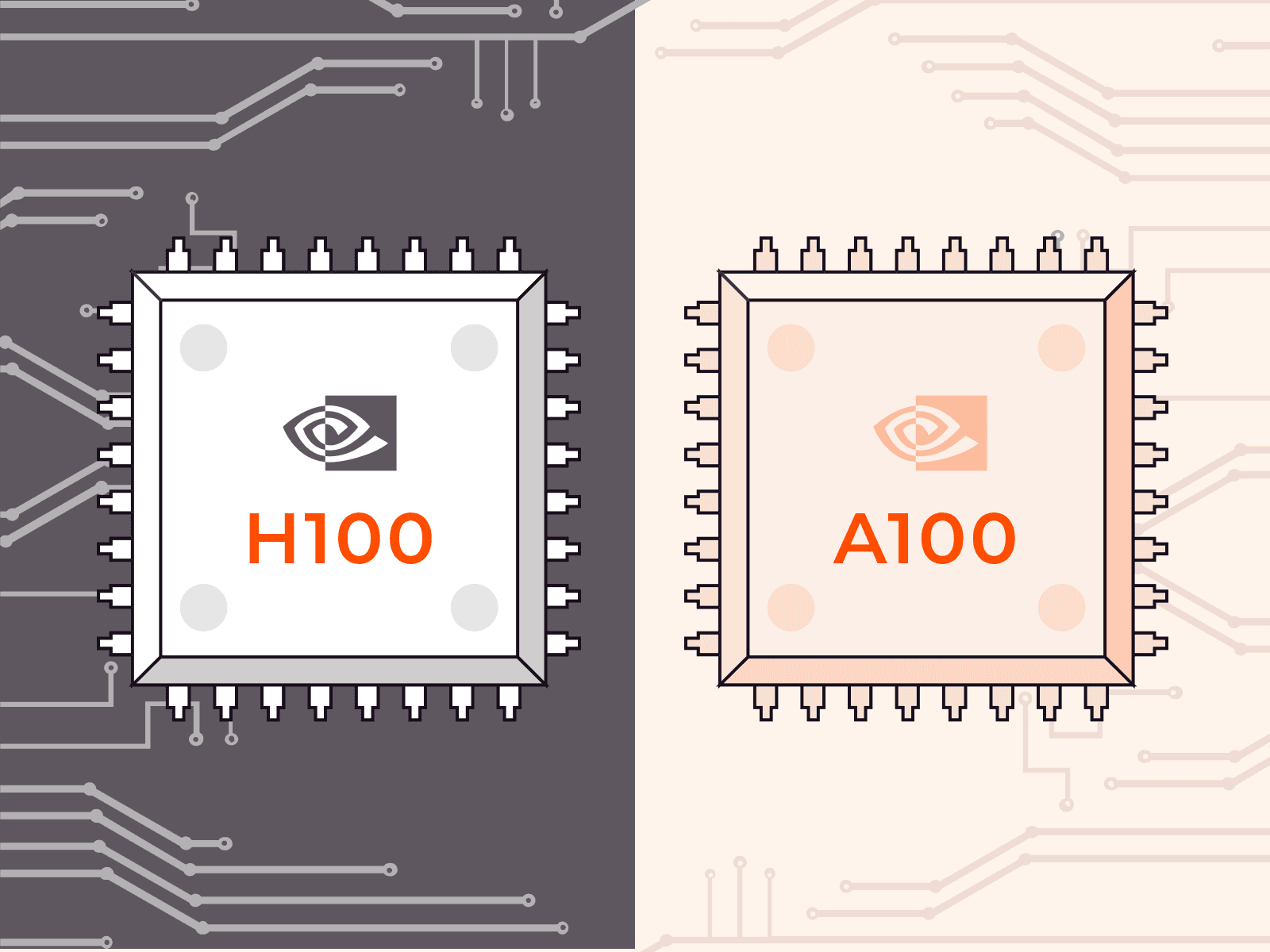
The biggest mistake in GPU selection is optimizing for hourly rate instead of finished-job cost. A100 often looks cheaper because the rental price per hour is lower. That can be true on the invoice line item and still false in practice once you account for runtime, occupancy, retries, and how many jobs you clear per day. For AI video generation, cost per completed task is the metric that actually tells you which GPU is delivering value.
Hourly price vs finished-job cost
The cleanest example from the research makes the point immediately: if an A100 job takes 8 hours at $1.50 per hour, the total cost is $12. If the same job on H100 takes 3 hours at $3.50 per hour, the total cost is $10.50. The H100 is more expensive by the hour but cheaper for the completed task. That pattern shows up often in compute-heavy AI work, especially when faster hardware shortens long-running jobs enough to offset the premium rate.
There’s also a research claim that H100 can be significantly more cost-efficient in some mixed-precision training workloads, even described as roughly 3x more cost-efficient for LLM training due to Hopper features such as Transformer Engine and FP8 support. That claim is LLM-focused, not video-specific, so it shouldn’t be copied blindly into every video workload. Still, the logic is solid: if your video stack uses similar mixed-precision acceleration paths, H100 can deliver meaningfully better cost efficiency, not just better speed.
This is why the h100 vs a100 ai video generation decision should always include runtime and completion rate. If your workload is lightweight, or if your pipeline is bottlenecked by CPU preprocessing, disk, or networking, H100 may not generate enough speedup to justify the premium. If the GPU is the bottleneck, H100 often pays for itself surprisingly fast.
How to estimate your own break-even point
A practical break-even model is simple. Start with job runtime on each GPU. Multiply by the hourly price. Then adjust for utilization, failed-run risk, and queue delays. Utilization matters because an expensive GPU sitting idle during data prep is a waste. Failed-run risk matters because longer jobs are more vulnerable to interruption, bad checkpoints, or pipeline bugs. Queue delays matter because waiting 10 hours for a cheap GPU can be worse than paying more for immediate access.
Use a worksheet like this:
- Expected runtime on A100
- Expected runtime on H100
- Hourly rate for each
- Average GPU utilization during the job
- Number of reruns or failed attempts per 100 jobs
- Queue delay before execution
- Revenue or team-value impact of faster delivery
For example, if batch rendering client clips is your bottleneck, H100 can reduce turnaround enough to increase daily throughput and lower effective cost per deliverable. If you’re mostly doing low-volume testing with an open source ai model license commercial use review process in parallel, A100 may be perfectly adequate because the GPU is not the pacing item. The right answer is the card that gets your real workload done cheapest, not the one with the lowest hourly sticker.
Scaling and Throughput: H100 vs A100 for Multi-GPU AI Video Generation
Single-GPU tests tell only part of the story. Video generation pipelines get much more interesting once you scale across multiple GPUs for training, distributed inference, or heavy batch rendering. At that point, storage, data loading, interconnect behavior, and framework efficiency can matter as much as raw tensor performance. This is one area where the research gives a surprisingly useful clue.
Single-GPU vs multi-GPU behavior
A storage and loading benchmark from the research showed roughly similar single-GPU local storage throughput: A100 at about 1.7 GiB/s and H100 at about 1.5 GiB/s. On one GPU, that result suggests no dramatic advantage for H100 in loading performance by itself. But the 4-GPU numbers diverged sharply: A100 dropped to around 0.2 GiB/s, while H100 held near 2.2 GiB/s in that specific test scenario.
That benchmark is about local storage loading, not model inference directly, so it should not be treated as a universal “H100 is 10x faster” claim. Still, it matters because multi-GPU AI video generation often pushes huge amounts of frame, latent, and conditioning data through the pipeline. If your loader or storage path collapses under scale, the GPUs wait instead of compute.
For distributed video training, that can erase the gains you expected from adding more cards. For large datasets with long clips, the difference becomes painful fast. If your setup depends on rapidly feeding frame tensors into multiple workers, H100’s stronger throughput retention in that benchmark is exactly the kind of signal worth testing in your own environment.
Why data loading and storage can become bottlenecks
Video workloads are more I/O-sensitive than many people expect. A text model can often stream token batches efficiently from relatively compact data. Video training has to move lots of decoded frames, cached latents, embeddings, augmentations, and metadata. Multi-stage pipelines multiply that effect because outputs from one stage feed the next. Even a fast GPU cluster can stall if storage, networking, or dataloaders can’t keep up.
That is why scaling decisions should include more than GPU specs. If you plan to train a large open source transformer video model or serve high-throughput batch inference, check local NVMe speed, network file system behavior, CPU preprocessing capacity, pinned memory settings, dataloader workers, and GPU interconnects. For one-GPU experimentation, these issues are manageable. Beyond one GPU, they become first-order performance factors. When the goal is throughput, not just peak benchmark glory, balanced system design wins.
Which GPU Should You Choose for AI Video Generation in 2026?
The short answer is straightforward: choose A100 when you want lower-cost access and dependable performance, and choose H100 when you want the fastest turnaround, better scaling, and stronger future-proofing. The better answer comes from matching each GPU to the kind of work you actually do.
Best choice for local experimentation and smaller budgets
A100 is still the practical value pick for a lot of real-world workflows. If you’re testing prompts, validating checkpoints, iterating on preprocessing, comparing schedulers, or trying to run ai video model locally before moving into larger cloud runs, A100 gives you strong enterprise-class performance without H100 pricing. It’s also a sensible option when your workload is mostly inference with modest batch volume, or when your bottlenecks are elsewhere in the stack.
That makes A100 a good fit for teams evaluating an open source ai video generation model, experimenting with an image to video open source model, or checking whether a promising checkpoint is usable under an open source ai model license commercial use scenario before committing production resources. It is reliable, widely available, and mature enough that most optimization stacks already support it well. If cheap iteration is the priority, A100 is still hard to dismiss.
Best choice for production and heavy training
H100 is the better choice when time-to-result is the central metric. If you’re training temporal modules, finetuning larger models, serving many concurrent inference requests, or scaling to multi-GPU workflows, H100’s higher throughput usually justifies itself. The Hopper architecture, 5nm process, and broad AI performance gains give it a clear edge for production workloads where every hour of GPU occupancy counts.
That applies whether you’re running an open source transformer video model, building a custom serving stack around a text-to-video service, or comparing specialized projects such as a happyhorse 1.0 ai video generation model open source transformer against other modern backbones. H100 is also the safer buy if you expect your models to grow in sequence length, frame count, or complexity over the next year. In 2026, future-proofing matters because open video models are getting larger and heavier, not lighter.
A simple decision checklist helps settle the question fast:
- What is your real budget per completed job, not per hour?
- Are you mostly doing inference, finetuning, or full training?
- How large are your models and how much VRAM headroom do you need?
- Do you care more about cheap iteration or shortest turnaround time?
- How many videos or batches do you expect to render each day?
- Will you scale to multiple GPUs soon?
- Is your pipeline compute-bound or limited by data loading and storage?
If the answers point toward low-cost access, moderate throughput, and dependable performance, choose A100. If they point toward speed, scaling, higher utilization, and production output volume, choose H100. For most serious h100 vs a100 ai video generation deployments, H100 is the stronger investment, while A100 remains a very smart way to get capable results without overspending.
Conclusion

For AI video generation, A100 is still the practical value pick for many workloads. It delivers reliable performance, enough muscle for serious experimentation, and a friendlier hourly price when you can accept longer runtimes.
H100, though, is usually the better investment when speed, scaling, and cost per completed job matter most. The Hopper architecture advantage, typical 1.5x to 2x inference uplift, roughly 2x to 4x training gains, and better multi-GPU throughput behavior make it the stronger platform for production pipelines, larger models, and heavy rendering schedules.
The simplest takeaway is this: if you need affordable, dependable GPU power, A100 remains excellent. If you need the fastest path from prompt to finished video, or from dataset to trained model, H100 is the card that usually wins where it counts.