 HappyHorse Model
AI Video Length Limits: How Long Can Each Model Generate?
If you're comparing tools for ai video generation length limit seconds, the real question is not just which model is best, but how much usable footage you can actually get in one generation.
AI Video Generation Length Limit Seconds: The Quick Comparison Readers Need First
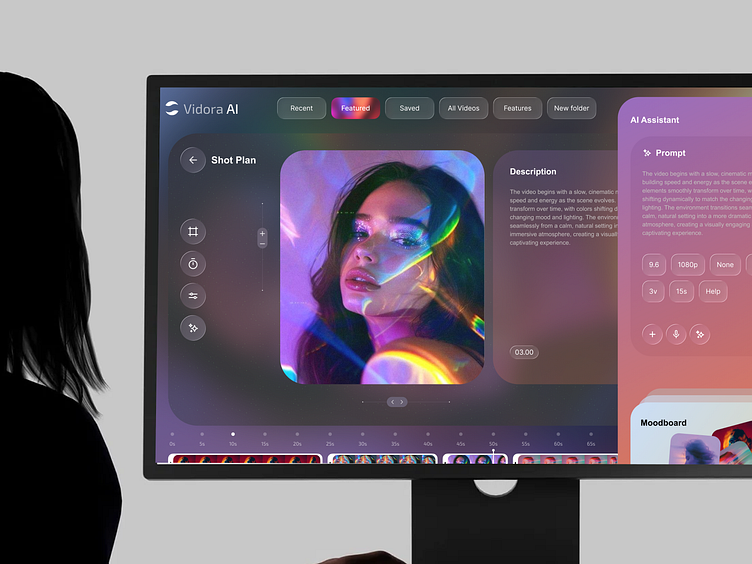
Typical clip lengths across current AI video tools
Right now, most AI video generators still live in a pretty tight range: about 5 to 20 seconds per generation. That is the practical industry pattern showing up again and again, whether you're testing polished commercial tools or experimenting with an open source ai video generation model on your own rig. If you have been hoping that most platforms are secretly giving creators one-click 60-second cinematic takes, that is not what current generation tools reliably do.
A lot of the confusion starts with marketing pages showing “long video” outcomes that are actually assembled from multiple short clips. In day-to-day use, you will see tools cluster around three familiar ranges: roughly 5 seconds, roughly 8 seconds, and roughly 10 to 15 seconds, with a few platforms claiming up to 20 seconds in certain modes. Even then, max length and dependable length are not the same thing. A tool may technically output a 15-second file, but the last several seconds can drift, melt details, or break character continuity.
What “generation length” really means in practice
When people talk about ai video generation length limit seconds, they often mix up two different things: the single-generation cap and the total final video length. That distinction matters a lot when you're choosing a tool or paying for a subscription. A model's single-generation cap is the longest continuous clip it can render in one pass. Your final finished video, though, can be much longer if you chain clips together in editing.
Many AI video generators still produce short clips in the 5–20 second range, and that remains the common pattern across the market. Some subscription-based services are even tighter, capping generations at 10 or 15 seconds on paid plans. That is why paid access does not automatically mean long-form generation. In practice, you are often paying for better quality, faster turnaround, or more generations—not necessarily dramatically longer takes.
The 8-second cap tied to Google/Gemini-related discussions has become one of the clearest real-world benchmarks people run into. If you're comparing products and workflows, that 8-second limit is worth treating as a practical reference point because it comes up so often in actual user discussions. It also helps calibrate expectations: if a major platform is operating around that duration, short generations are not a sign that your workflow is wrong. They are still normal.
So the useful question is not “Can this platform make a 1-minute video?” The useful question is “How many clean, editable seconds can I get per render?” If one model gives you 8 stable seconds and another gives you 15 seconds with obvious glitches after second 6, the shorter model may actually deliver more value. That is the frame to keep in mind before comparing premium tools, image to video open source model projects, or even a niche system like happyhorse 1.0 ai video generation model open source transformer experiments.
How Long Can Each Model Generate? A Practical Model-by-Model Range Guide
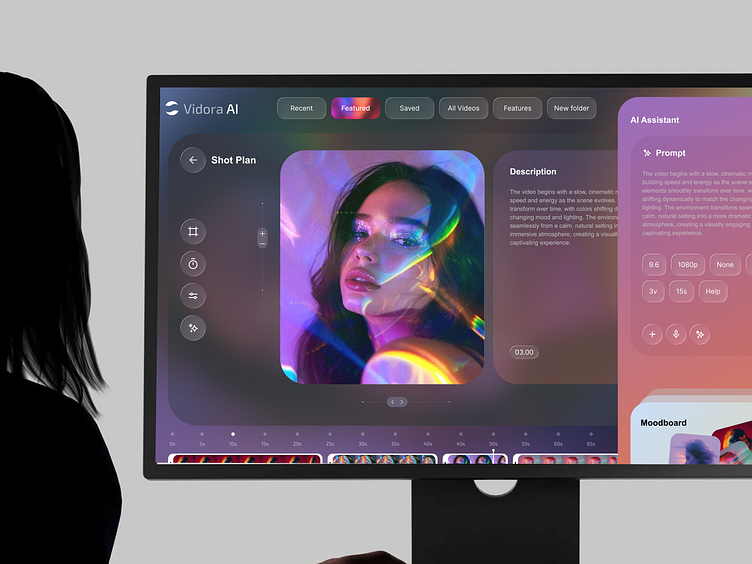
5-second models and short-first workflows
The first bucket is the short-first group: tools often discussed as producing around 5 seconds by default. This range is common when the platform is optimized for quick concept shots, looping-style visuals, stylized motion, or rapid iteration. Midjourney-related discussions are a good example here, with users commonly referencing output around 5 seconds by default and higher possible maximums around 20 seconds depending on the mode or workflow.
That sounds limiting until you use these tools the right way. A 5-second clip can be enough for a product hero shot, a dramatic cutaway, a surreal insert, or a transition element in a music-video style edit. The trick is to stop expecting a full scene and start treating each generation as a shot. If you run ai video model locally using an experimental open source transformer video model, you will often land in this same short-shot mindset because memory limits, inference speed, and consistency all push you toward smaller clips.
8-second models readers often compare
The second bucket is the 8-second range, which comes up constantly in Google and Gemini-related conversations. This is probably the cleanest comparison point on the market because people repeatedly ask why generation stops there. That cap is not random. It reflects a point where current systems can still hold together reasonably well before continuity problems start stacking up harder.
For many workflows, 8 seconds is actually a useful middle ground. It is long enough for a complete motion beat: a camera push-in, a subject turn, a short action moment, a reveal, or a simple emotional reaction. If your shot planning is strong, 8 seconds can feel generous. If your prompt is vague or overloaded, 8 seconds can still be too long because the model starts improvising details you did not want.
This is also where advertised workflow claims can get slippery. Plenty of “make long AI videos” tutorials are really teaching you how to combine repeated 8-second generations into something longer. That workflow is valid and useful, but it is not the same as a single-pass long continuous take.
10-to-20-second tools and max-length claims
The third bucket is the 10-to-20-second group, which sounds like the dream category until you test it under pressure. Some subscription tools cap output at 10 or 15 seconds even on paid plans, while other tools or modes are discussed as stretching toward 20 seconds. On paper, that looks like a major upgrade over 5 or 8 seconds. In practice, the question is whether the full clip stays coherent.
This is where realism matters more than marketing language. A 20-second max claim does not mean you will routinely get 20 seconds of footage you want to keep. Motion artifacts, identity drift, unstable hands, sliding objects, and weird background warping often become more visible as the shot continues. You may still prefer a longer-cap tool for landscapes, abstract motion, or low-detail B-roll, but for character-heavy scenes the clean section may end well before the file does.
So group tools by realistic output bands, not by headline promises: around 5 seconds, around 8 seconds, and around 10–20 seconds. Then test for usable duration, not just total duration. That standard works whether you're shopping for a premium subscription, comparing an image to video open source model, or checking whether an open source ai model license commercial use actually matters for your production plans.
Why AI Video Generation Length Limit Seconds Are Still So Short
Frame consistency is the bottleneck
The biggest reason clip limits are still short is simple: consistency breaks fast. Keeping one image beautiful is hard. Keeping hundreds of frames coherent while a character moves, a camera shifts, objects stay in place, and lighting remains believable is much harder. That is why the ceiling for ai video generation length limit seconds remains lower than most creators want.
A useful way to think about it is frame count. An 8-second video may require 240+ images or frames of coherent generation. Every one of those frames has to agree with the others about face shape, clothing details, hand position, body proportions, background layout, and motion direction. If one frame drifts too far, the result can look jittery or surreal. If that problem repeats across a sequence, the clip becomes difficult to use.
This is also why subject identity is such a fragile area. The model is not just maintaining “a woman in a red jacket.” It has to keep that same woman, with the same jacket shape, hair behavior, facial proportions, and body placement, as the camera angle and motion evolve. Add props, reflections, crowds, or fast movement, and the workload multiplies. Scene continuity fails for the same reason: every extra second gives the model more chances to contradict itself.
Why longer clips cost more compute and money
Longer clips are not only harder technically; they are more expensive to generate. More seconds means more frames, more memory pressure, longer processing time, and more inference cost. That is a direct reason so many platforms cap output length. If providers let every generation run longer by default, they would be paying much more compute per request while also taking on more quality complaints from users when continuity fell apart.
This pressure shows up in pricing too. Creators already complain that it is expensive to generate lots of short clips, especially when you need multiple attempts to get one keeper. From the platform side, capping output at 10 or 15 seconds helps control resource usage. From the creator side, that can feel restrictive, but it also keeps iteration faster. You can test five short prompts, learn what works, and move on instead of waiting on one long render that fails near the end.
The practical takeaway is straightforward: shorter clips usually mean higher reliability, fewer glitches, and faster iteration. If you are trying to force a model into long continuous storytelling, you are often pushing against the current weak point of the technology. If you instead design your workflow around strong short shots, you can get better-looking final videos with less wasted time. That remains true whether you're using a premium platform, a happyhorse 1.0 ai video generation model open source transformer setup, or trying to run ai video model locally with limited hardware.
How to Make Longer Videos When the AI Video Generation Length Limit Seconds Is Too Low
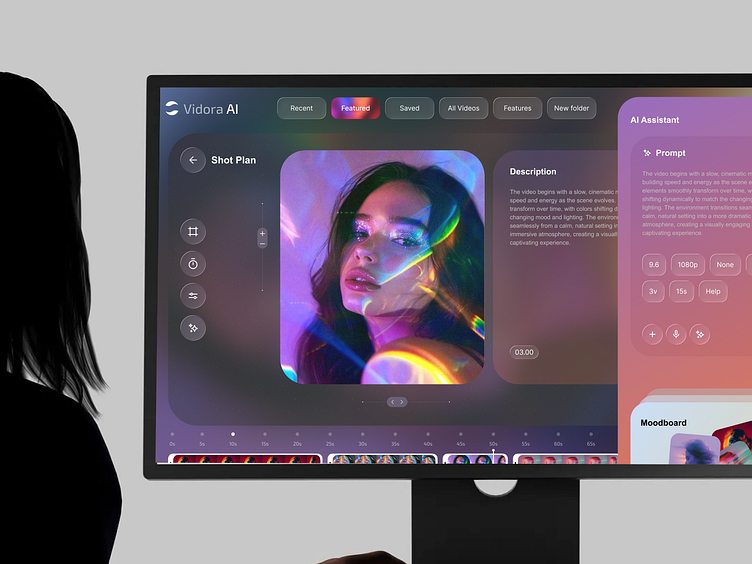
Stitching short generations into one longer sequence
The standard workaround is still the best one: generate multiple short clips and assemble them into a longer edit. That is how most “long AI video” workflows actually function behind the scenes. They are not getting one uninterrupted 45-second masterpiece from a single prompt. They are chaining short generations together and using editing to create the illusion of a continuous piece.
This works best when you think in scene beats rather than in giant scenes. Break your sequence into modular units: establishing shot, subject entrance, close-up reaction, motion insert, environment cutaway, transition shot, and payoff shot. With that structure, a 5-second clip or 8-second clip stops feeling restrictive because each generation has a clear job. Even a 10-to-15-second output becomes easier to use when it supports one defined moment instead of trying to carry an entire scene alone.
Planning prompts so clips connect cleanly
The cleanest long-form workflows usually start with three things: script, visuals plan, and audio plan. That sounds simple, but it changes everything. A script tells you what must happen. A visuals plan tells you what each short clip needs to show. An audio plan lets you smooth transitions with voiceover, music, sound design, or dialogue that ties multiple generated clips together.
To keep continuity between clips, reuse the same character details, camera instructions, lighting cues, and environment descriptions every time. If your character is “young woman with short silver hair, black trench coat, neon-lit rainy street, slow dolly forward,” keep those anchors consistent across generations. Do not rewrite the whole visual identity from scratch on every prompt or you will invite drift. The same goes for camera language: if one shot is handheld and chaotic while the next is a smooth overhead glide, the break will feel harsher unless you planned for it.
A practical workflow is to make a continuity sheet before you generate anything. Write down character appearance, wardrobe, props, scene location, time of day, lighting style, camera movement, and mood. Then copy those elements into each prompt where relevant. If you're working with an image to video open source model, start from a locked reference frame whenever possible. If you're using an open source transformer video model, save prompt variants that produce stable motion so you can reuse them instead of improvising each clip.
Many tutorials that promise “long AI video” are really showing polished chaining techniques. That is not cheating. It is the real craft right now. Once you accept that, short generation caps become easier to work with because you stop fighting them and start building around them.
How Much of a Generated Clip Is Actually Usable?
Why editors often trim AI footage aggressively
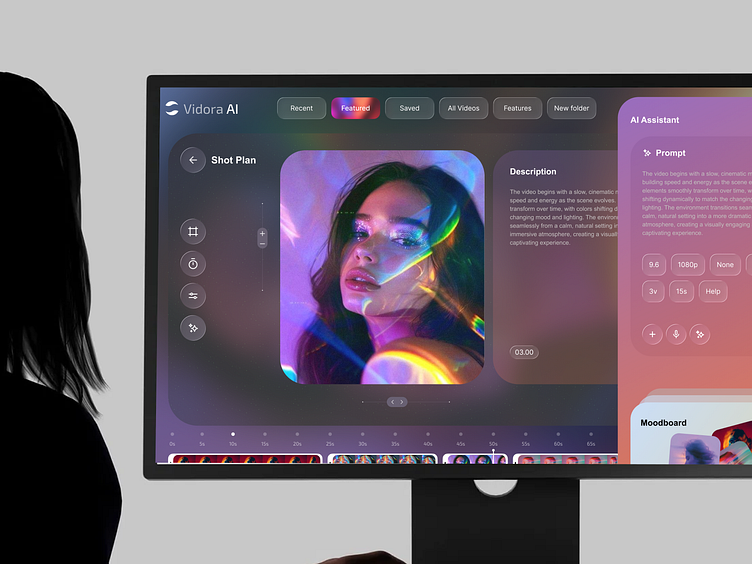
One of the biggest workflow upgrades is learning to separate generated duration from usable duration. A model may output 5 to 20 seconds, but the section you actually keep can be much shorter once you review the footage closely. That is why experienced editors trim AI clips aggressively instead of assuming the whole render belongs in the timeline.
A great practical benchmark here is the “1.5-second rule.” Some creators say they never use an AI-generated clip for more than 1.5 seconds without a cut because subtle motion inconsistencies become easier to notice the longer the shot stays on screen. That does not mean every AI clip must be cut that short. It does mean you should evaluate clips with the editor’s eye, not the generator’s optimism.
The short-shot rule for cleaner final videos
When you review a generated clip, check four things first: facial stability, hand motion, background drift, and object continuity. Facial stability tells you whether identity is holding up frame to frame. Hand motion reveals hidden model weakness fast, since fingers and gestures often deform under movement. Background drift shows whether walls, windows, signs, and horizon lines are sliding or reshaping themselves. Object continuity tells you if props, furniture, clothing folds, or vehicles stay where they should.
A useful habit is to scrub the clip from the middle outward, not just watch it once in real time. Many generations start strong, wobble in the middle, then briefly recover. If you identify the cleanest section, you can still salvage a great insert even when the full duration is not usable. This is especially important when evaluating ai video generation length limit seconds, because a tool that “gives” you 15 seconds may only give you 3 to 6 seconds you actually want to keep.
The direct recommendation is simple: treat generated duration as raw material and judge tools by usable seconds, not maximum seconds. If a stable 8-second model reliably gives you 4 to 6 clean seconds, it may beat a glitchy 15-second model that only gives you 2 solid seconds before the scene falls apart. That mindset saves money, speeds up editing, and makes your final cuts look much more intentional.
Best Way to Choose a Tool Based on AI Video Generation Length Limit Seconds
Pick by use case, not just max duration
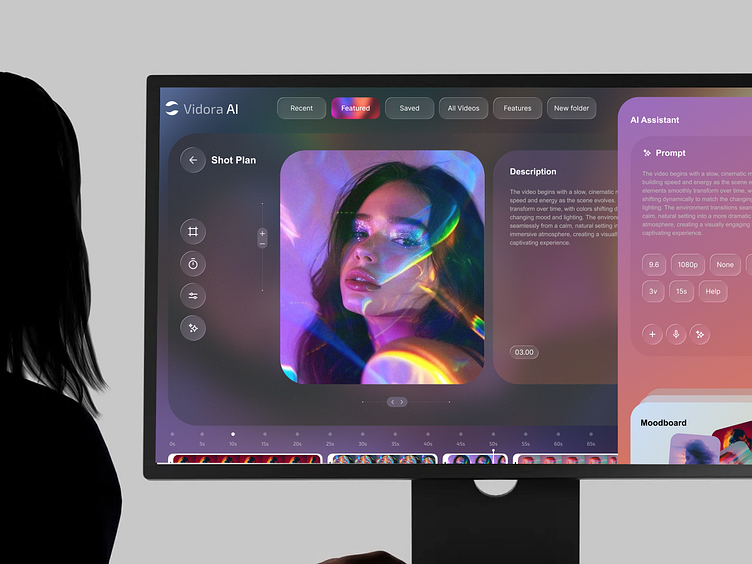
The best tool depends on what you are making. For ads and product spots, shorter highly controlled clips are usually enough because fast editing is already part of the format. For B-roll, scenic motion, and atmospheric inserts, a 5-to-8-second tool can work beautifully if the texture and camera motion are strong. For cinematic inserts and music-video cuts, short generations are often ideal because you are cutting to rhythm anyway. For explainers, educational content, or longer edited narratives, the real priority is not one long render but a workflow that lets you generate matching clips efficiently.
If you are creating character-driven scenes, consistency matters more than headline duration. A stable 8-second model can absolutely outperform a glitchy 15-second one. If you are producing abstract visuals, motion graphics-like sequences, or stylized dream imagery, then longer-cap tools may be worth exploring because continuity flaws are less obvious. If you want full control and lower long-term cost, an open source ai video generation model may be attractive, but then you need to factor in hardware, setup time, and whether you can run ai video model locally without painful render times.
Questions to ask before paying for a video model
Before paying, compare four things side by side: single-generation length, cost per clip, consistency quality, and how easy the platform makes repeated generations for the same project. A service with a lower cap can still be the better buy if rerolls are cheap, reference controls are strong, and prompt reuse is smooth. Also check whether the workflow supports clip stitching efficiently. If exporting, organizing, and extending a sequence is clumsy, the longer cap will not save you much time.
A practical checklist helps:
- What is the real max seconds per generation?
- How many average usable seconds do you actually keep?
- How much editing work does each clip require?
- How strong is continuity control across repeated generations?
- Can you reuse references, prompts, and scene settings easily?
- Does the platform support the kind of cuts you make most often?
- If it is open source, what are the licensing terms and open source ai model license commercial use rules?
- If local, how realistic is the hardware requirement for your setup?
This is also where niche searches matter. If you're comparing a commercial tool against something like happyhorse 1.0 ai video generation model open source transformer, the decision is not only about seconds. It is also about flexibility, licensing, visual style, and whether local control outweighs convenience. The same goes for any open source transformer video model or image to video open source model: freedom is great, but only if the workflow is stable enough to support the kind of projects you actually ship.
The smartest buying decision is rarely based on the biggest duration number on the landing page. It comes from measuring usable output, repeatability, and how quickly you can turn short generated clips into a polished longer edit.
Conclusion
AI video tools are getting better, but clip length is still constrained by the same core reality: consistency gets much harder as duration rises. Most current systems still operate in the 5–20 second range, many paid services stay at 10 or 15 seconds, and the widely discussed Google/Gemini benchmark of 8 seconds shows how normal short caps still are.
That is why the best comparison is not which platform promises the longest clip. It is which one gives you the most usable seconds per generation, the fewest continuity problems, and the easiest workflow for stitching short outputs into longer videos. If you judge tools that way, short limits stop feeling like a dead end and start feeling like something you can design around.